

















Guides / DayZ
DayZ server guides.
One task per guide: how to do it in the ArthOS panel, and by hand where there is a way.
Basics
14 guides-
 Basics
Change the map on your DayZ server
Pick Chernarus, Livonia or Sakhal in the Config Editor's Map (mission) row, save and restart. Each map keeps its own world, so switching back is safe. - Basics
Change the max players on your DayZ server
Set Max Players on the Startup page, save and restart. It is a cap, not extra power: more players need more memory and a faster processor. - Basics
Change your DayZ server name
Change the DayZ server name on the Startup page, save, and restart. The name is rewritten from Startup at every start, so editing serverDZ.cfg does not stick. - Basics
DayZ day length and night speed: Time Multiplier
A Time Multiplier of 12 makes a DayZ day last 2 hours, the default. Night Multiplier changes only the night. Set both on Startup, start time in Config Editor. - Basics
How to join a DayZ server: Launcher or Direct Connect
Search the server name in the DayZ Launcher Servers tab, or use Direct Connect with the IP and game port. Also the -connect and -port launch options. - Basics
Restart your DayZ server on a schedule
Set a daily or every-few-hours restart for your DayZ server in Settings, Schedules. A schedule cannot warn players first, so use the Players page. - Basics
Set a password on your DayZ server
Put a join password on a DayZ server with Server Password under Passwords. Leave it empty for a public server. The admin password is a different setting. - Basics
Set up a DayZ dedicated server from scratch
Order, first start, name, passwords, map and how players join: set up a DayZ server on Loafhosts from the first start to the first player in the game. - Basics
Why your DayZ server stopped by itself: standby
A DayZ server nobody plays on stops itself after 10 days. Find the Standby card, change the wait, and start it again from Start or a wake link. - Basics
DayZ stable or experimental: which your server runs
Loafhosts DayZ servers run the stable game, Steam app 223350. Players on the Experimental branch cannot join them. Here is how the two differ. - Basics
Run a Chernarus server on DayZ
Chernarus is DayZ's original map, mission dayzOffline.chernarusplus. Choose it in the Config Editor's Map (mission) row and restart. - Basics
Run a Livonia server on DayZ
Livonia is a 168 km² forest map in the DayZ base game, mission dayzOffline.enoch. Choose it in the Config Editor's Map (mission) row and restart. - Basics
Run a Sakhal (Frostline) server on DayZ
Sakhal is the winter map from the Frostline DLC, mission dayzOffline.sakhal. Pick it in the Config Editor, and read how its lighting works first. -
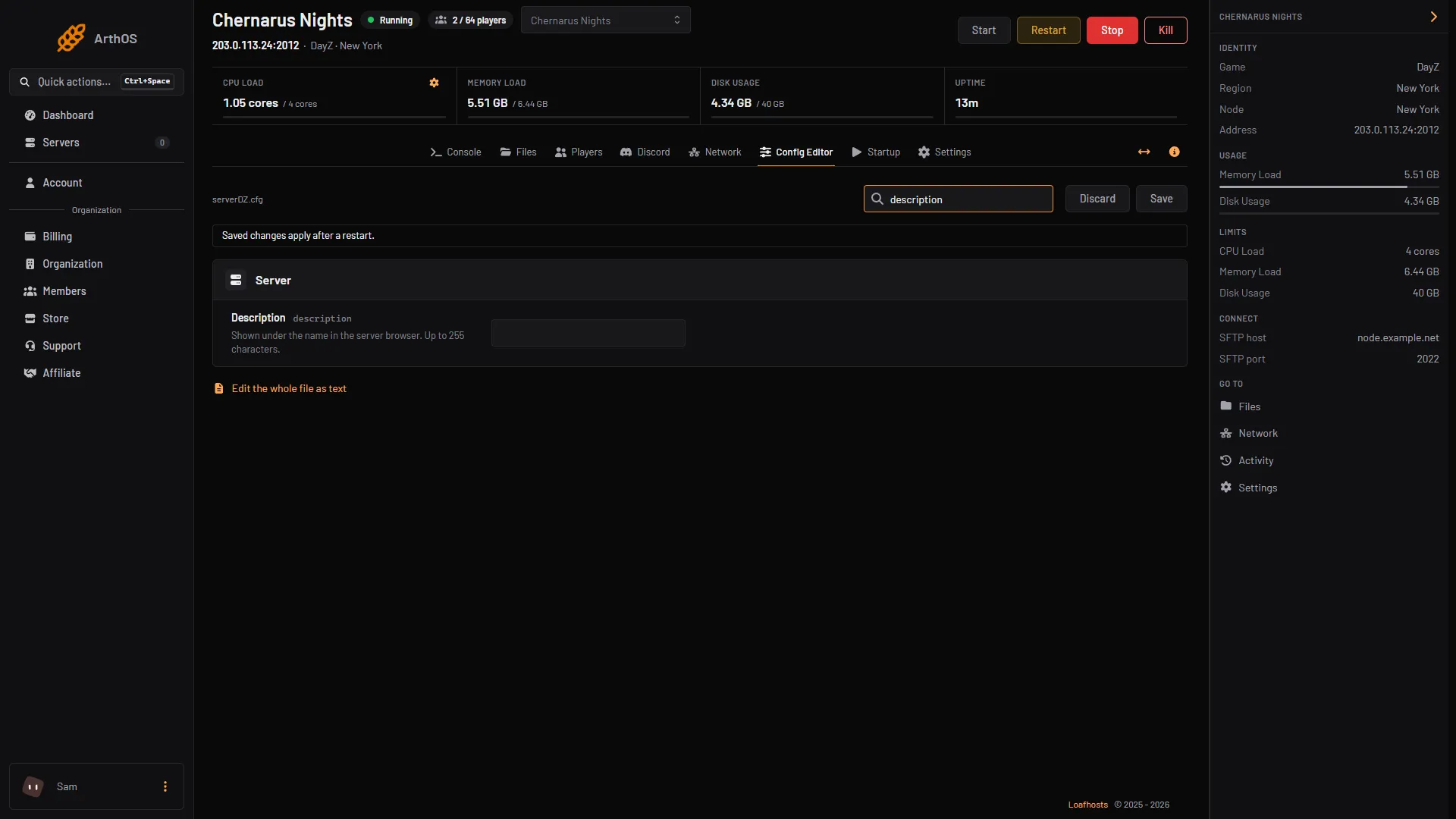
Set a DayZ server description and messages of the day
Add a description to the DayZ server browser and welcome messages in chat. Use Description, Messages of the day and Seconds between messages in Config Editor.
Mods
12 guides- Mods
DayZ Expansion mod: required mods and Workshop IDs
DayZ Expansion needs CF 1559212036, Dabs Framework 2545327648, Expansion Bundle 2572331007 and Licensed 2116157322. Add them on the Mods page. - Mods
DayZ mod keys and signatures (.bikey) explained
A DayZ server needs each mod's .bikey in its keys folder while Verify Signatures is on. Applying on the Mods page copies the keys of every mod on the list. - Mods
Fix the DayZ mod mismatch and signature kick
Kicked from a modded DayZ server for a mod mismatch or missing signature? Match the mod versions, keep each mod's .bikey in keys, then restart. - Mods
Install DayZ Workshop mods on your server
Add DayZ Workshop mods on the Mods page: paste links or IDs, or import a DayZ Launcher list, then Apply and restart. No Steam login needed. - Mods
Set up VPPAdminTools on your DayZ server
Add VPPAdminTools (Workshop ID 1828439124) with CF, put your Steam64 ID in SuperAdmins.txt, set its password, and open it from your keybinds. - Mods
Add BaseBuildingPlus to your DayZ server
BaseBuildingPlus needs the CF mod, its key in keys, and its types.xml entries merged so building parts do not despawn. Here is the full setup. - Mods
Add the Trader mod to your DayZ server
Add the Trader mod, Workshop ID 1590841260, for AI traders, trader cities and safe zones. Copy its Trader config folder to profiles and restart. - Mods
DayZ Codelock mod: Workshop ID and config file
The DayZ Code Lock mod is Workshop ID 1646187754. Add it on the Mods page and apply, then edit CodeLockConfig.json in profiles/CodeLock. - Mods
DayZ mod load order: what order the server uses
The order of your DayZ mods on the Mods page is the load order. Drag a row, type a number, or sort by what each needs, then apply. - Mods
DayZ server-side mods (-serverMod) and how to add them
Server-side mods run only on the server, so players never download them. Switch a mod to Server only on the Mods page, then Apply and restart. - Mods
Install Community Framework (CF) on a DayZ server
Community Framework, CF, is a Workshop mod many DayZ mods need. Add it on the Mods page and apply. The panel copies its key. Workshop ID 1559212036. - Mods
Update DayZ mods on your server
Update DayZ Workshop mods on the Mods page: choose Update or Update all, then Apply and restart. Players update in the DayZ Launcher and can join again.
Config
16 guides- Config
DayZ cfggameplay.json: what it controls and how to use it
cfggameplay.json changes stamina, base building, night light, the map and the hit indicator without mods. Turn it on in the Config Editor, then edit the file. - Config
DayZ Config Editor: change serverDZ.cfg in the panel
The Config Editor shows serverDZ.cfg as a form. Rows the panel writes at start are locked. Change a row, choose Save, then restart the server. - Config
DayZ serverDZ.cfg explained, key by key
What each main serverDZ.cfg key does, its allowed values, how the file is written, and which keys the panel rewrites from Startup at every start. - Config
Edit DayZ loot with types.xml
types.xml sets how much of each item spawns in DayZ. Find the file, learn what nominal, min and lifetime mean, and edit it safely with the server stopped. -
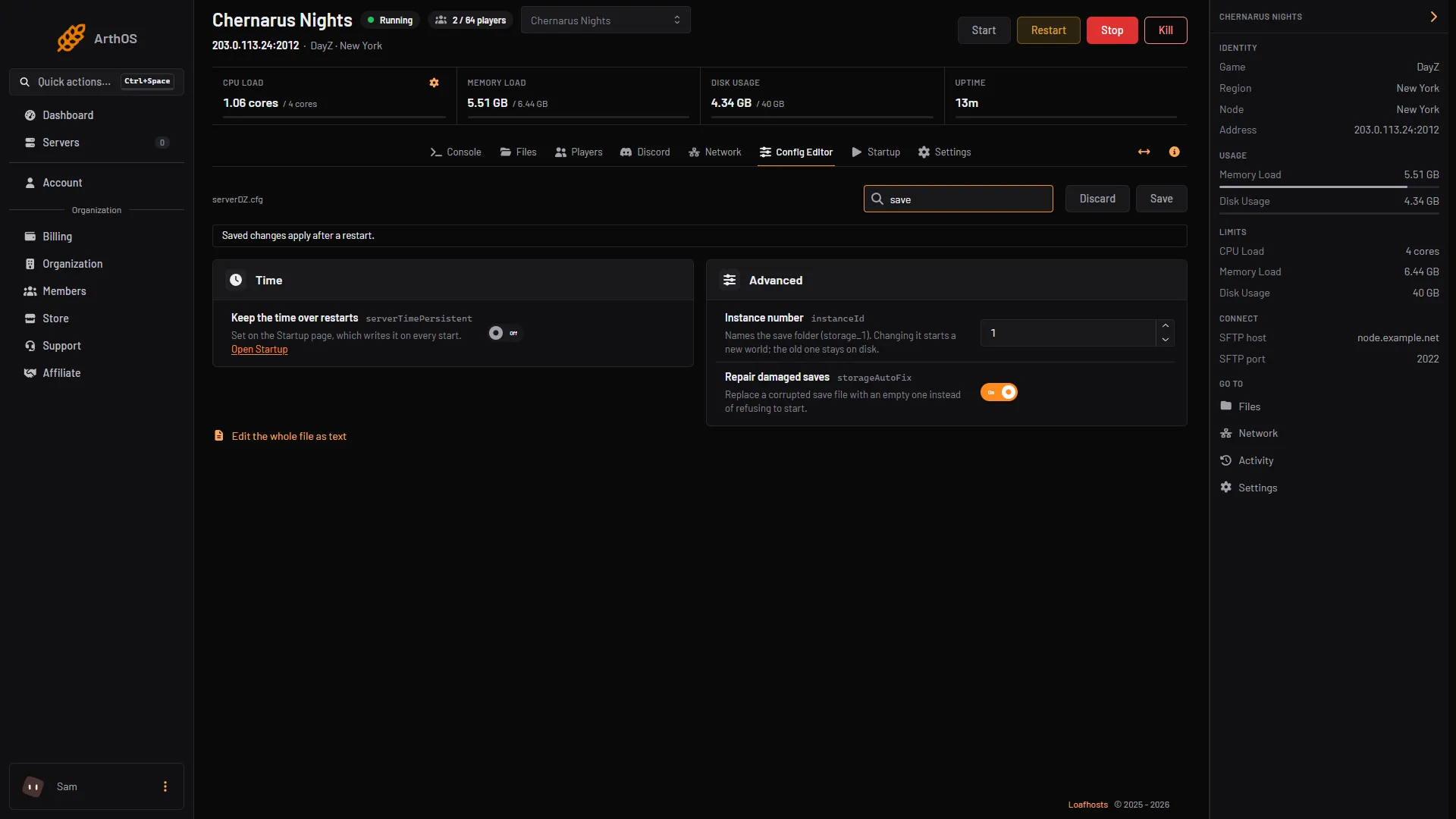
Wipe your DayZ server and understand its save files
DayZ saves the world in the storage_1 folder of your mission. Stop the server, back it up, delete that folder, and start for a fresh world. - Config
DayZ base building settings: damage and placement rules
Turn off base and container damage in the Config Editor, or relax placement rules in cfggameplay.json. Both need a restart to apply. - Config
DayZ events.xml explained: helicrashes, vehicles, animals
events.xml tells DayZ what spawns outside normal loot: vehicles, animals, infected and helicopter crashes. It is in the db folder of your mission. - Config
DayZ globals.xml: zombie, animal and cleanup values
globals.xml holds DayZ's economy limits: ZombieMaxCount, AnimalMaxCount, cleanup timers, login and logout times, flag refresh. The main values explained. - Config
DayZ player spawn points: change where players start
cfgplayerspawnpoints.xml sets where new DayZ characters appear. It has fresh, hop and travel sections with lists of positions you can edit. - Config
DayZ stamina settings: change sprint and stamina limits
Change how fast DayZ players run out of stamina with the StaminaData values in cfggameplay.json. Turn the file on, edit the numbers, restart. - Config
DayZ vehicle spawns: change how many cars spawn
Vehicle numbers are set in the Vehicle events of events.xml, positions in cfgeventspawns.xml. Stop the server, raise nominal and max, then restart. - Config
Disable the crosshair on your DayZ server
Switch on Disable Crosshair on the Startup page and restart. The crosshair is then hidden for players on your DayZ server at every start. - Config
Does DayZ loot respawn after a restart?
No: a normal restart does not refill DayZ loot, because RestartSpawn defaults to 0. Respawn and cleanup are set in globals.xml and types.xml. - Config
Make DayZ nights darker or brighter
Darker Nights picks dark or bright nights, and Disable Personal Light removes the light around players. Both are on Startup and apply at each start. - Config
Turn off or tune voice chat on your DayZ server
Switch Disable VoN on to turn off voice chat, or set VoN Quality from 0 to 20 on the Startup page. Both apply when the server restarts. - Config
Turn off third person on your DayZ server
Switch on Disable Third Person on the Startup page and restart. Players then use first person only, and the setting is applied again at every start.
Admin and fixes
16 guides- Admin and fixes
Back up and restore a DayZ server
Make a backup of your DayZ server in the panel, keep some on a timer, and restore one. A restore stops the server and puts the files back as they were. - Admin and fixes
Ban and kick players on a DayZ server
Open the Players page to kick or ban a player, or ban a BattlEye GUID or IPv4 address. Remove a ban from the same page. By hand: BattlEye RCon. - Admin and fixes
DayZ admin password, #login and what admins can do
Set the Admin Password under Passwords, then type #login in chat. Bohemia lists no chat commands, so kick, ban and lock from the Players page. -
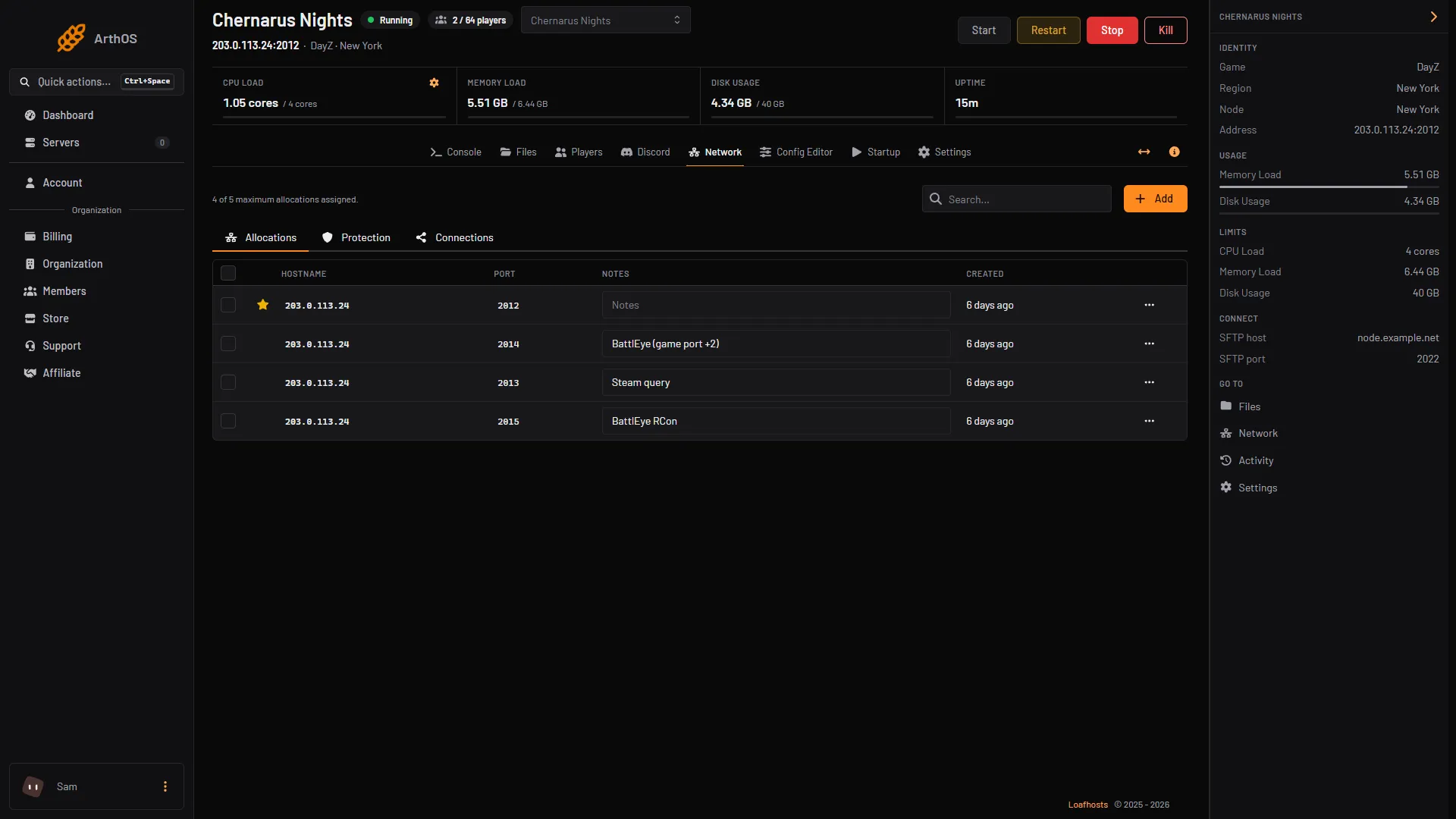
DayZ server not showing in the server list: fixes
A DayZ server missing from the list may still be starting, answering on the wrong query port, or hidden by a filter. Check these, and join by address. - Admin and fixes
DayZ server stopped: read the Crashes tab
Your DayZ server stopped? Crashes lists each start and how it ended: normal stop, crash, out of memory or stuck, with the exit code and what to try. -
Find and read your DayZ server logs
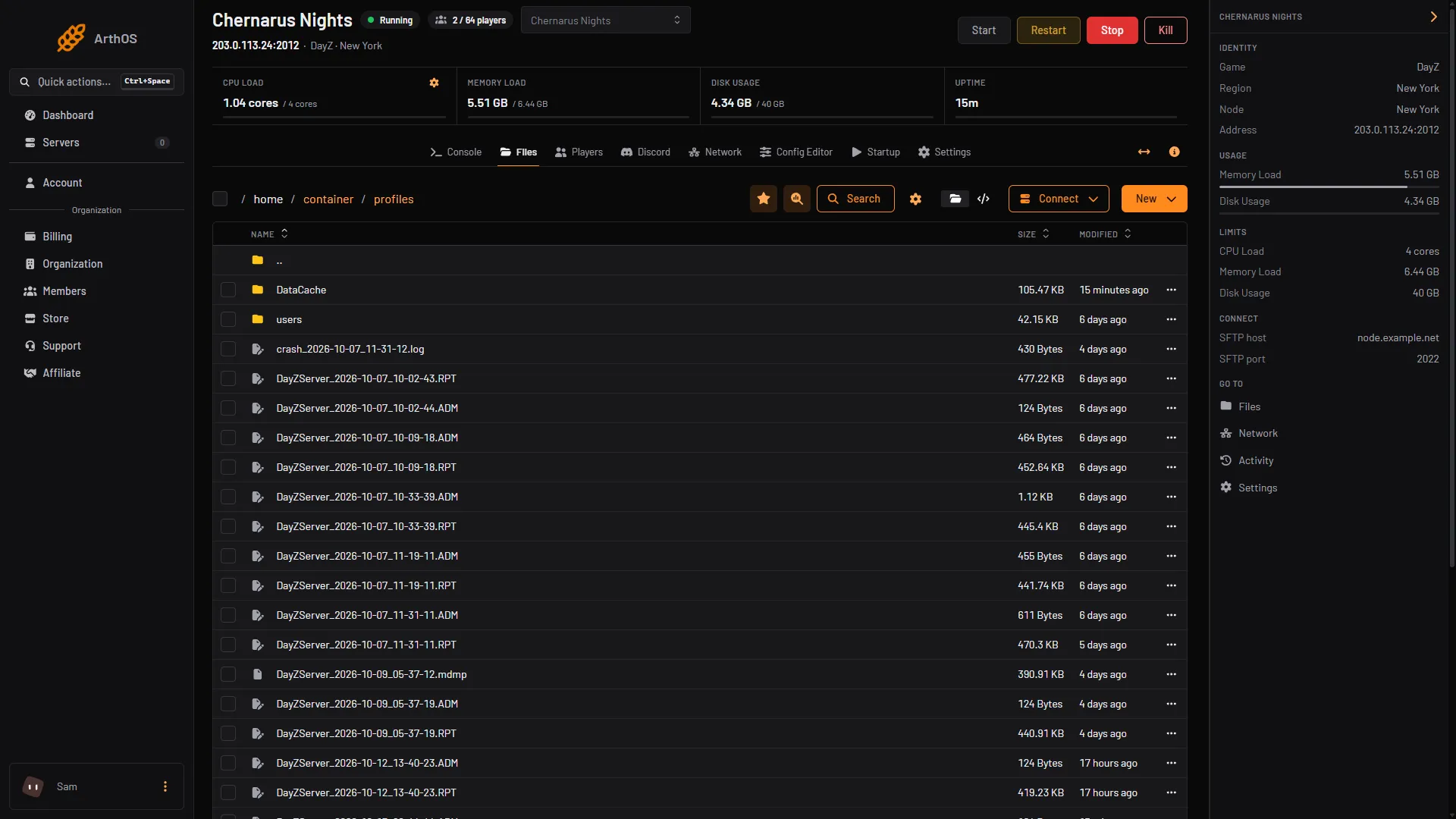
DayZ writes its logs to the profiles folder, one set per start: the RPT server log, the ADM admin log, script and error logs. Open them in Files. -
Fix DayZ server lag
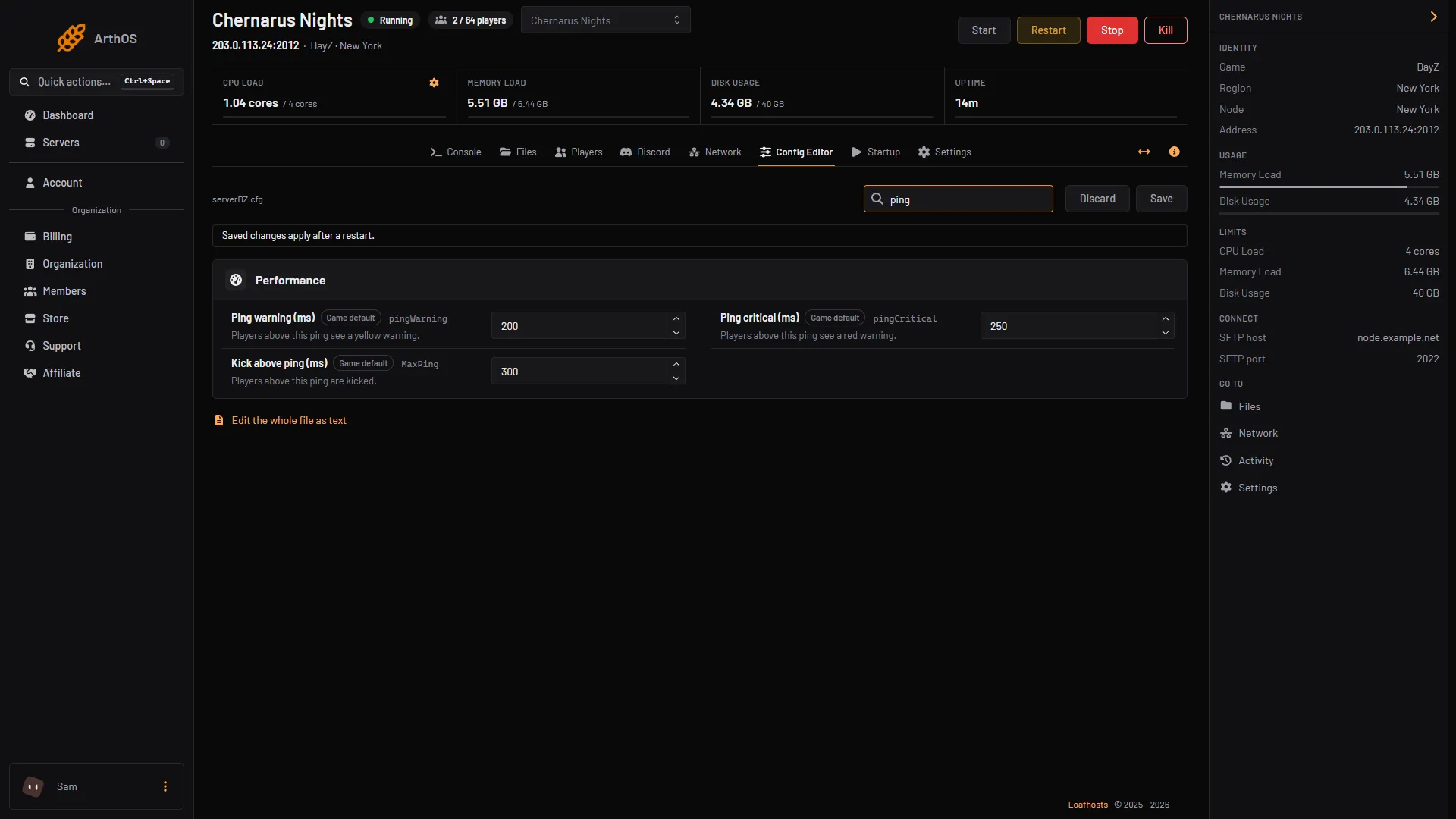
Lag on a DayZ server is a low server FPS. Measure it first, then check the plan's CPU, the performance settings, infected and loot counts, and your mods. - Admin and fixes
Restore a deleted DayZ storage folder or mod folder
Deleted storage_1 or a mod folder in Files? It sits in the Trash for 3 days. Open Trash, choose Restore, and see what is gone for good. - Admin and fixes
Set up a whitelist on your DayZ server
Turn on Whitelist only in Config Editor and list the allowed players in whitelist.txt. Get each player's 44-character ID from the admin log. - Admin and fixes
Set up BattlEye RCon on your DayZ server
The RCON Port is game port +3 and the RCON Password is under Passwords. Use both in any BattlEye RCon tool. The panel's Players page uses the same link. - Admin and fixes
Update your DayZ server after a game patch
After Bohemia patches DayZ, restart the server. With Automatic Updates on it downloads the new server files at start. Update Workshop mods on the Mods page. - Admin and fixes
DayZ connection errors and kick codes, explained
What DayZ error codes such as 0x00040031, 0x00020013 and 0x0004007E mean, from Bohemia's own list, and what to change on your server for each one. - Admin and fixes
Find a DayZ player's BattlEye GUID
A BattlEye GUID is the 32-character ID DayZ bans work on. Find it on the Players page, click it to copy it, and paste it into the ban form. - Admin and fixes
Fix the DayZ Client not responding kick
BattlEye kicks a DayZ player with Client not responding when their connection stalls. What it means, how Loafhosts servers avoid it, and what players check. - Admin and fixes
Message players and lock your DayZ server
On the Players page, send a message to everyone or to one player, and Lock the server so nobody new can join. Unlock it, or restart, to open it again. - Admin and fixes
Set the DayZ login queue and priority list
Set the login queue size and how many players log in at once in the Config Editor, and move chosen players to the front with priority.txt.
- Back up and restore a DayZ server Make a backup of your DayZ server in the panel, keep some on a timer, and restore one. A restore stops the server and puts the files back as they were.
- Ban and kick players on a DayZ server Open the Players page to kick or ban a player, or ban a BattlEye GUID or IPv4 address. Remove a ban from the same page. By hand: BattlEye RCon.
- Change the map on your DayZ server Pick Chernarus, Livonia or Sakhal in the Config Editor's Map (mission) row, save and restart. Each map keeps its own world, so switching back is safe.
- Change the max players on your DayZ server Set Max Players on the Startup page, save and restart. It is a cap, not extra power: more players need more memory and a faster processor.
- Change your DayZ server name Change the DayZ server name on the Startup page, save, and restart. The name is rewritten from Startup at every start, so editing serverDZ.cfg does not stick.
- DayZ admin password, #login and what admins can do Set the Admin Password under Passwords, then type #login in chat. Bohemia lists no chat commands, so kick, ban and lock from the Players page.
- DayZ cfggameplay.json: what it controls and how to use it cfggameplay.json changes stamina, base building, night light, the map and the hit indicator without mods. Turn it on in the Config Editor, then edit the file.
- DayZ Config Editor: change serverDZ.cfg in the panel The Config Editor shows serverDZ.cfg as a form. Rows the panel writes at start are locked. Change a row, choose Save, then restart the server.
- DayZ day length and night speed: Time Multiplier A Time Multiplier of 12 makes a DayZ day last 2 hours, the default. Night Multiplier changes only the night. Set both on Startup, start time in Config Editor.
- DayZ Expansion mod: required mods and Workshop IDs DayZ Expansion needs CF 1559212036, Dabs Framework 2545327648, Expansion Bundle 2572331007 and Licensed 2116157322. Add them on the Mods page.
- DayZ mod keys and signatures (.bikey) explained A DayZ server needs each mod's .bikey in its keys folder while Verify Signatures is on. Applying on the Mods page copies the keys of every mod on the list.
- DayZ server not showing in the server list: fixes A DayZ server missing from the list may still be starting, answering on the wrong query port, or hidden by a filter. Check these, and join by address.
- DayZ server stopped: read the Crashes tab Your DayZ server stopped? Crashes lists each start and how it ended: normal stop, crash, out of memory or stuck, with the exit code and what to try.
- DayZ serverDZ.cfg explained, key by key What each main serverDZ.cfg key does, its allowed values, how the file is written, and which keys the panel rewrites from Startup at every start.
- Edit DayZ loot with types.xml types.xml sets how much of each item spawns in DayZ. Find the file, learn what nominal, min and lifetime mean, and edit it safely with the server stopped.
- Find and read your DayZ server logs DayZ writes its logs to the profiles folder, one set per start: the RPT server log, the ADM admin log, script and error logs. Open them in Files.
- Fix DayZ server lag Lag on a DayZ server is a low server FPS. Measure it first, then check the plan's CPU, the performance settings, infected and loot counts, and your mods.
- Fix the DayZ mod mismatch and signature kick Kicked from a modded DayZ server for a mod mismatch or missing signature? Match the mod versions, keep each mod's .bikey in keys, then restart.
- How to join a DayZ server: Launcher or Direct Connect Search the server name in the DayZ Launcher Servers tab, or use Direct Connect with the IP and game port. Also the -connect and -port launch options.
- Install DayZ Workshop mods on your server Add DayZ Workshop mods on the Mods page: paste links or IDs, or import a DayZ Launcher list, then Apply and restart. No Steam login needed.
- Restart your DayZ server on a schedule Set a daily or every-few-hours restart for your DayZ server in Settings, Schedules. A schedule cannot warn players first, so use the Players page.
- Restore a deleted DayZ storage folder or mod folder Deleted storage_1 or a mod folder in Files? It sits in the Trash for 3 days. Open Trash, choose Restore, and see what is gone for good.
- Set a password on your DayZ server Put a join password on a DayZ server with Server Password under Passwords. Leave it empty for a public server. The admin password is a different setting.
- Set up a DayZ dedicated server from scratch Order, first start, name, passwords, map and how players join: set up a DayZ server on Loafhosts from the first start to the first player in the game.
- Set up a whitelist on your DayZ server Turn on Whitelist only in Config Editor and list the allowed players in whitelist.txt. Get each player's 44-character ID from the admin log.
- Set up BattlEye RCon on your DayZ server The RCON Port is game port +3 and the RCON Password is under Passwords. Use both in any BattlEye RCon tool. The panel's Players page uses the same link.
- Set up VPPAdminTools on your DayZ server Add VPPAdminTools (Workshop ID 1828439124) with CF, put your Steam64 ID in SuperAdmins.txt, set its password, and open it from your keybinds.
- Update your DayZ server after a game patch After Bohemia patches DayZ, restart the server. With Automatic Updates on it downloads the new server files at start. Update Workshop mods on the Mods page.
- Why your DayZ server stopped by itself: standby A DayZ server nobody plays on stops itself after 10 days. Find the Standby card, change the wait, and start it again from Start or a wake link.
- Wipe your DayZ server and understand its save files DayZ saves the world in the storage_1 folder of your mission. Stop the server, back it up, delete that folder, and start for a fresh world.
- Add BaseBuildingPlus to your DayZ server BaseBuildingPlus needs the CF mod, its key in keys, and its types.xml entries merged so building parts do not despawn. Here is the full setup.
- Add the Trader mod to your DayZ server Add the Trader mod, Workshop ID 1590841260, for AI traders, trader cities and safe zones. Copy its Trader config folder to profiles and restart.
- DayZ base building settings: damage and placement rules Turn off base and container damage in the Config Editor, or relax placement rules in cfggameplay.json. Both need a restart to apply.
- DayZ Codelock mod: Workshop ID and config file The DayZ Code Lock mod is Workshop ID 1646187754. Add it on the Mods page and apply, then edit CodeLockConfig.json in profiles/CodeLock.
- DayZ connection errors and kick codes, explained What DayZ error codes such as 0x00040031, 0x00020013 and 0x0004007E mean, from Bohemia's own list, and what to change on your server for each one.
- DayZ events.xml explained: helicrashes, vehicles, animals events.xml tells DayZ what spawns outside normal loot: vehicles, animals, infected and helicopter crashes. It is in the db folder of your mission.
- DayZ globals.xml: zombie, animal and cleanup values globals.xml holds DayZ's economy limits: ZombieMaxCount, AnimalMaxCount, cleanup timers, login and logout times, flag refresh. The main values explained.
- DayZ mod load order: what order the server uses The order of your DayZ mods on the Mods page is the load order. Drag a row, type a number, or sort by what each needs, then apply.
- DayZ player spawn points: change where players start cfgplayerspawnpoints.xml sets where new DayZ characters appear. It has fresh, hop and travel sections with lists of positions you can edit.
- DayZ server-side mods (-serverMod) and how to add them Server-side mods run only on the server, so players never download them. Switch a mod to Server only on the Mods page, then Apply and restart.
- DayZ stable or experimental: which your server runs Loafhosts DayZ servers run the stable game, Steam app 223350. Players on the Experimental branch cannot join them. Here is how the two differ.
- DayZ stamina settings: change sprint and stamina limits Change how fast DayZ players run out of stamina with the StaminaData values in cfggameplay.json. Turn the file on, edit the numbers, restart.
- DayZ vehicle spawns: change how many cars spawn Vehicle numbers are set in the Vehicle events of events.xml, positions in cfgeventspawns.xml. Stop the server, raise nominal and max, then restart.
- Disable the crosshair on your DayZ server Switch on Disable Crosshair on the Startup page and restart. The crosshair is then hidden for players on your DayZ server at every start.
- Does DayZ loot respawn after a restart? No: a normal restart does not refill DayZ loot, because RestartSpawn defaults to 0. Respawn and cleanup are set in globals.xml and types.xml.
- Find a DayZ player's BattlEye GUID A BattlEye GUID is the 32-character ID DayZ bans work on. Find it on the Players page, click it to copy it, and paste it into the ban form.
- Fix the DayZ Client not responding kick BattlEye kicks a DayZ player with Client not responding when their connection stalls. What it means, how Loafhosts servers avoid it, and what players check.
- Install Community Framework (CF) on a DayZ server Community Framework, CF, is a Workshop mod many DayZ mods need. Add it on the Mods page and apply. The panel copies its key. Workshop ID 1559212036.
- Make DayZ nights darker or brighter Darker Nights picks dark or bright nights, and Disable Personal Light removes the light around players. Both are on Startup and apply at each start.
- Message players and lock your DayZ server On the Players page, send a message to everyone or to one player, and Lock the server so nobody new can join. Unlock it, or restart, to open it again.
- Run a Chernarus server on DayZ Chernarus is DayZ's original map, mission dayzOffline.chernarusplus. Choose it in the Config Editor's Map (mission) row and restart.
- Run a Livonia server on DayZ Livonia is a 168 km² forest map in the DayZ base game, mission dayzOffline.enoch. Choose it in the Config Editor's Map (mission) row and restart.
- Run a Sakhal (Frostline) server on DayZ Sakhal is the winter map from the Frostline DLC, mission dayzOffline.sakhal. Pick it in the Config Editor, and read how its lighting works first.
- Set a DayZ server description and messages of the day Add a description to the DayZ server browser and welcome messages in chat. Use Description, Messages of the day and Seconds between messages in Config Editor.
- Set the DayZ login queue and priority list Set the login queue size and how many players log in at once in the Config Editor, and move chosen players to the front with priority.txt.
- Turn off or tune voice chat on your DayZ server Switch Disable VoN on to turn off voice chat, or set VoN Quality from 0 to 20 on the Startup page. Both apply when the server restarts.
- Turn off third person on your DayZ server Switch on Disable Third Person on the Startup page and restart. Players then use first person only, and the setting is applied again at every start.
- Update DayZ mods on your server Update DayZ Workshop mods on the Mods page: choose Update or Update all, then Apply and restart. Players update in the DayZ Launcher and can join again.