

















Guides / Minecraft
Minecraft server guides.
One task per guide: how to do it in the ArthOS panel, and by hand where there is a way.
Server basics
17 guides-
 Server basics
Change your Minecraft server version or software
Switch a server to another Minecraft version or to Paper, Purpur, Fabric, Forge, NeoForge or Vanilla. The panel backs up first and warns about older worlds. - Server basics
Connect to a Minecraft server on Java and Bedrock
Copy the address and port from the server header, then add it in Multiplayer on Java or in Play, Servers on Bedrock. Use the same version as the server. - Server basics
Let Bedrock players join a Java Minecraft server
Add Geyser and Floodgate so Bedrock players on phones, tablets and Windows join your Java server on the same address. One switch in the panel. - Server basics
Move a Minecraft server from another host
Copy your whole server from your old host with the Import from another host card in Settings, over SFTP or FTP. Or download a zip and upload it. - Server basics
Set up a Minecraft server from scratch
Order a Minecraft server, pick Java, Bedrock or both, accept the EULA, start it and give players the address. Panel steps first, the file edits by hand after. - Server basics
Why your Minecraft server stopped by itself: standby
A Minecraft server nobody plays on stops after 10 days by default. That is standby, not a crash. Start it again with Start or its wake link. - Server basics
Accept the Minecraft EULA on your server
A new Minecraft server stops until eula.txt says eula=true. Press Accept EULA in the Console, or change the line yourself in Files. Both steps here. - Server basics
How to read your Minecraft server console
Read the Console tab and logs/latest.log. What INFO, WARN and ERROR mean, how to filter and search, and how to find where an error starts. - Server basics
How to stop a Minecraft server without losing progress
Press Stop, or type stop in the Console: the server saves, then shuts down. Kill saves nothing. Also covers Restart and the save-all command. - Server basics
Minecraft Java or Bedrock server: which to order
Order Java for plugins, mods and PC players, Bedrock for phones, tablets and Windows Bedrock, or Java + Bedrock to let both join one world. - Server basics
Minecraft server commands owners use most
The Java server commands owners use most, the op level each needs, and how to run them from the Console tab or in game chat, with links to how-tos. - Server basics
Restart your Minecraft server on a schedule
Set up a daily Minecraft restart with chat warnings at 5 minutes, 1 minute and 10 seconds, from the Schedules tab in Settings. Or build your own. - Server basics
Set a Minecraft server icon (64 by 64 PNG)
The server icon is a 64 by 64 PNG called server-icon.png in the server's main folder. Upload any picture in the Config Editor and the panel sizes it for you. - Server basics
Set up a Minecraft Bedrock server
Order a Bedrock Dedicated Server, add players to the allow list, find the port and join from a phone, tablet or Windows. Console limits explained. - Server basics
Switch a Minecraft server to Fabric, Forge or NeoForge
Open Add-ons, then Versions, pick Fabric, Forge or NeoForge and a version, then press Switch now. Your world stays; plugins stop working. - Server basics
Switch your Minecraft server to Paper or Purpur
Plugins need Paper or Purpur. Open Add-ons, then Versions, pick Paper or Purpur and a version, and press Switch now. Your world stays. - Server basics
Use your own domain for your Minecraft server
Add a domain in Network, then Domains, create the A and SRV records the panel lists at your DNS provider, and players join without a port.
server.properties
16 guides-
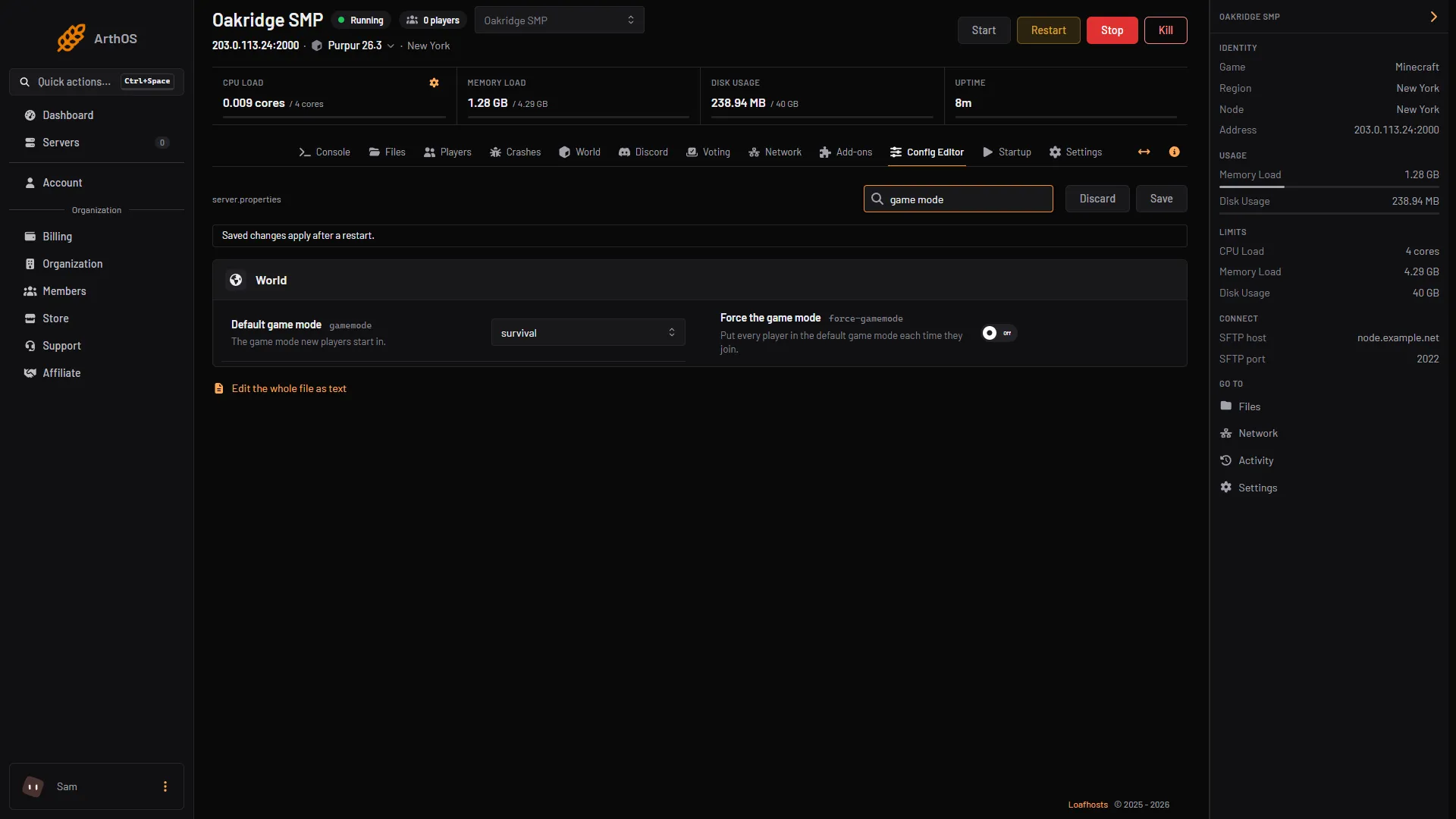
Change the default game mode on a Minecraft server
Set Default game mode in the Config Editor, turn on Force the game mode, or use /gamemode for one player. Hardcore is a separate setting. -
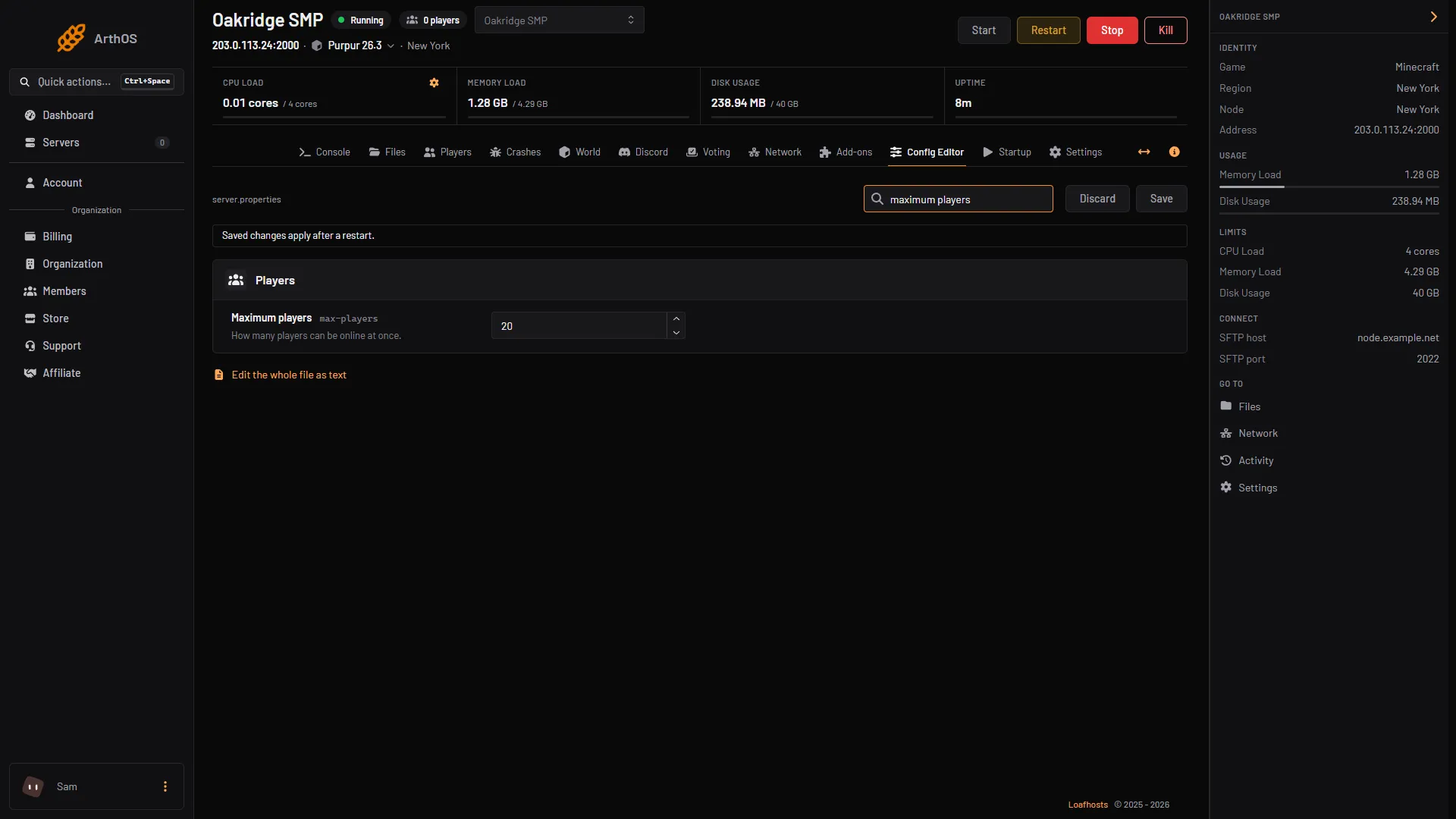
Change the max players on a Minecraft server
Open the Config Editor, change Maximum players in the Players group, save and restart. A new server starts at its plan's count. What the number costs. - server.properties
Edit server.properties on your Minecraft server
The Config Editor shows every server.properties setting as a labelled field. Change one, save, restart. Here are the settings people change most. - server.properties
How to change difficulty on a Minecraft server
Set Difficulty in the Config Editor and restart, or type difficulty hard in the Console to change it now. A command alone is lost at restart. - server.properties
Set a Minecraft server MOTD with colours and two lines
The MOTD is the text under your server name in the multiplayer list. Set it in the Config Editor with colour buttons and a preview, or in server.properties. -
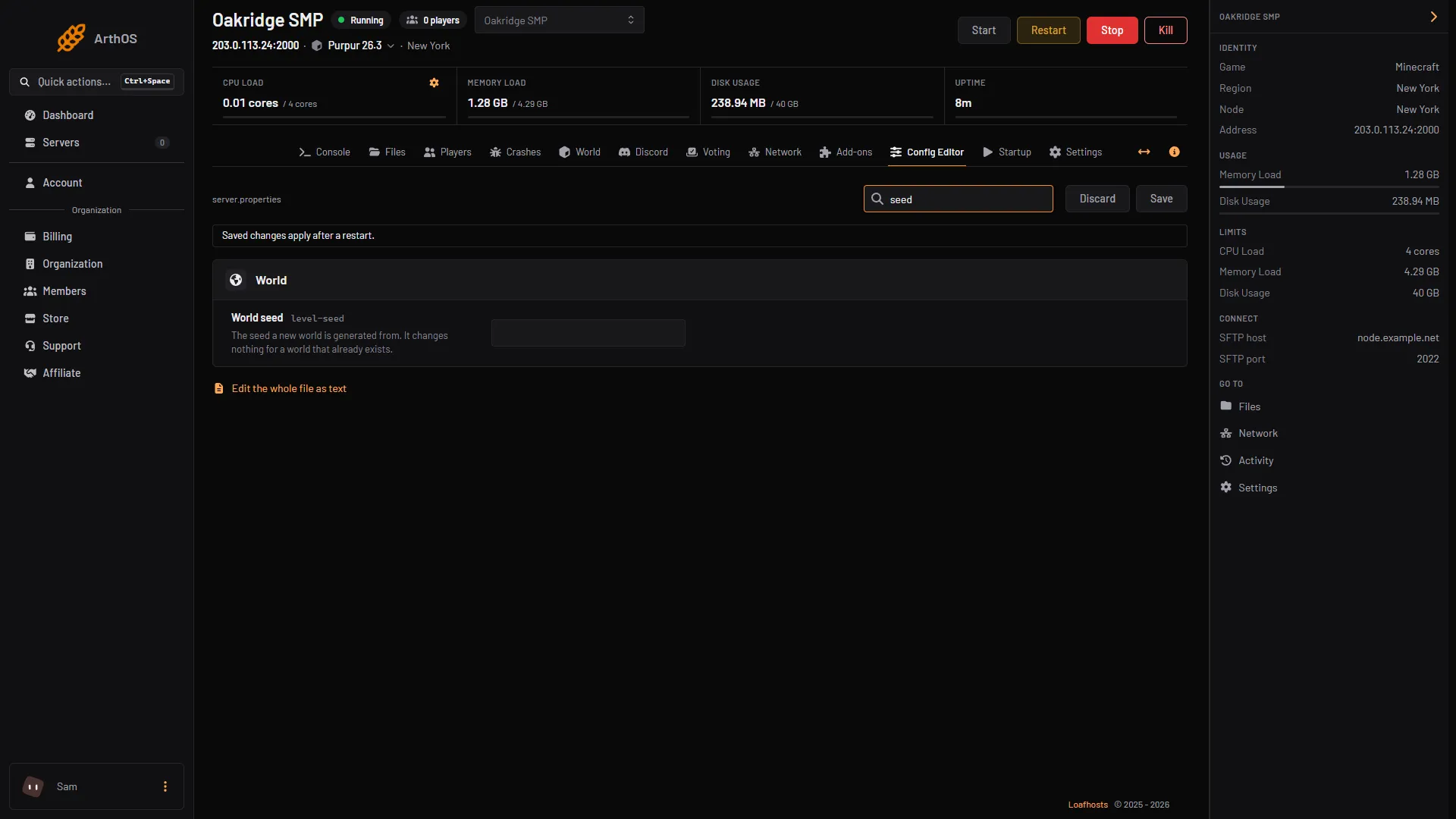
Set the seed and world type on a Minecraft server
World seed and World type only apply when a world is created. Set them in the Config Editor, then start a new world. Find your current seed with /seed. -
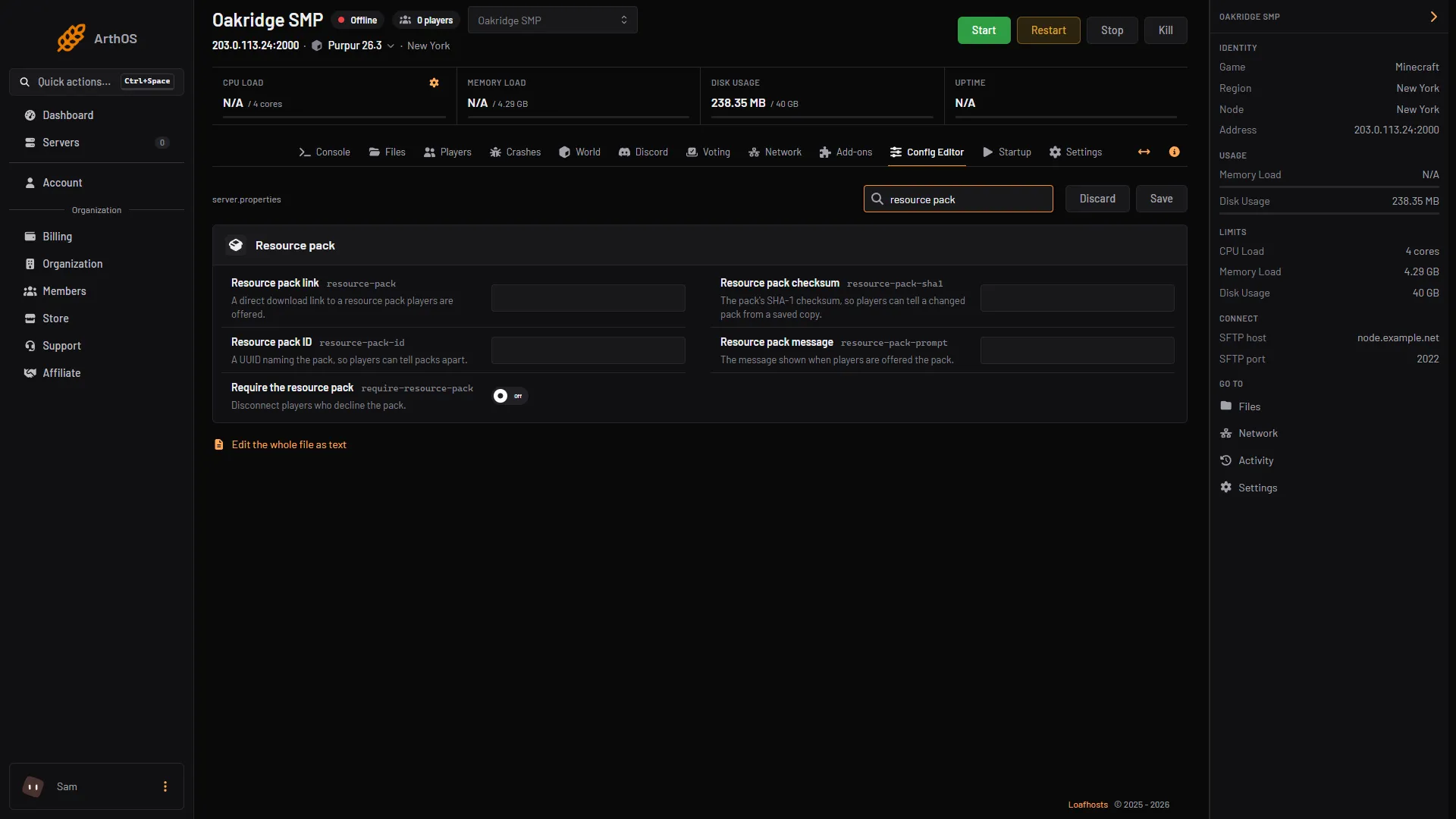
Add a resource pack to your Minecraft server
Put a direct download link in Resource pack link, add the checksum, and choose whether players must accept it. Config Editor steps and server.properties keys. -
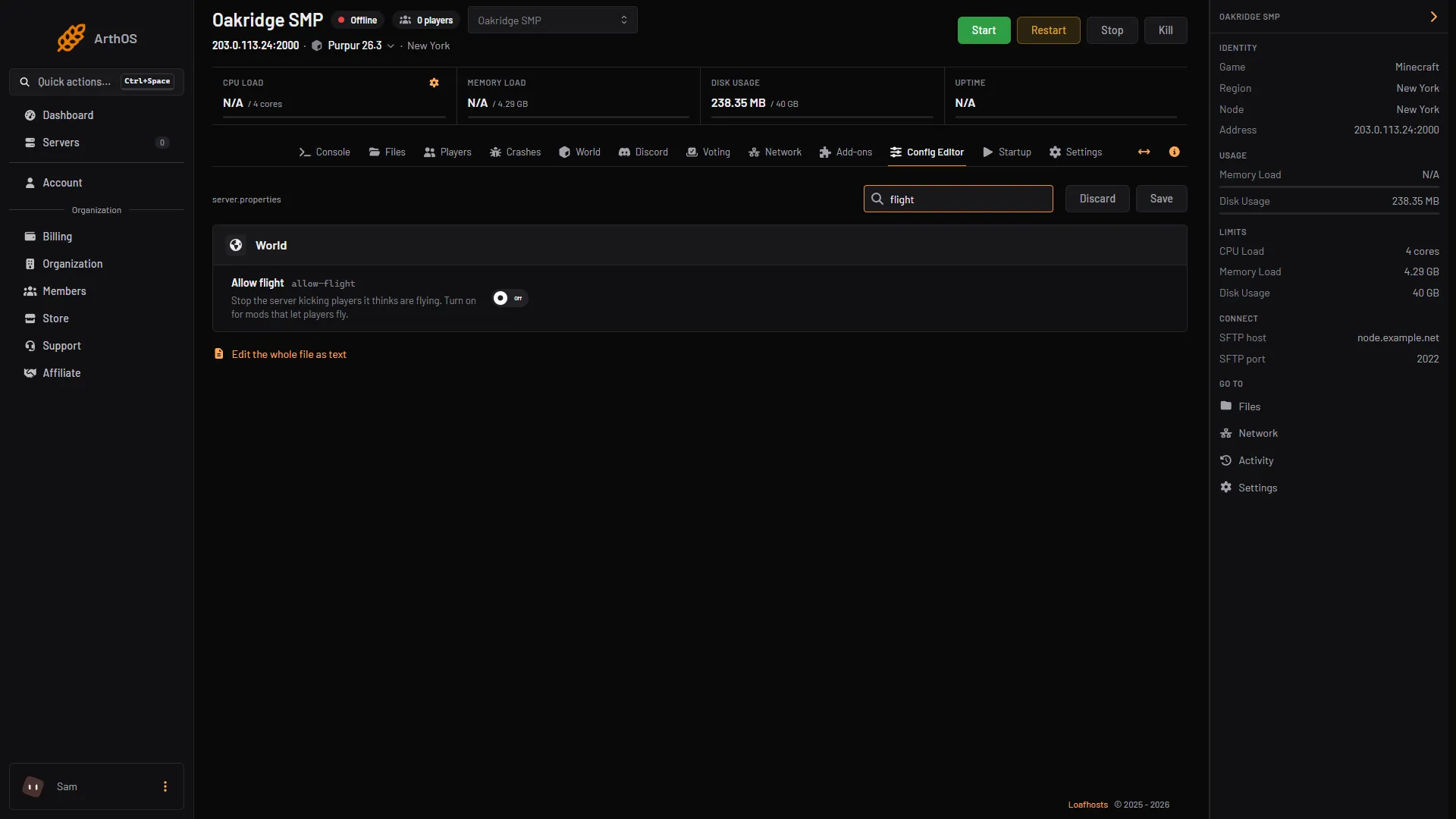
Flying is not enabled on this server: Minecraft fix
Switch on Allow flight in the Config Editor, save and restart. It only stops the kick; flight must come from a mod or plugin. When to leave it off. -
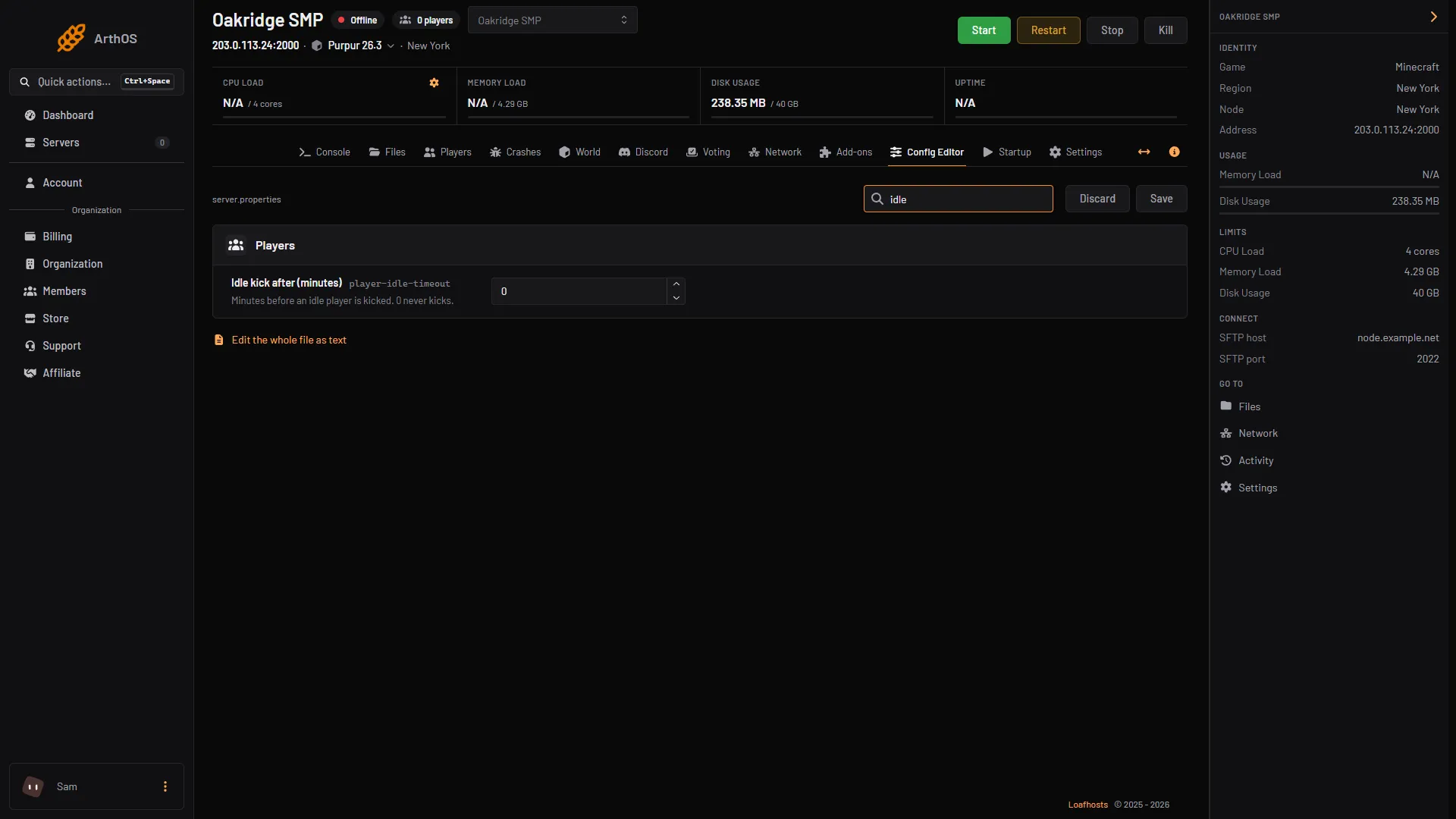
Kick idle players from a Minecraft server
Set Idle kick after (minutes) in the Config Editor to kick players who do nothing for that long. 0 never kicks. What counts as being idle, and the message. - server.properties
Minecraft color codes and formatting codes
Color codes are the section sign plus 0 to 9 or a to f; formatting codes are k, l, m, n, o and r. Hex values, Java and Bedrock, and MOTD use. -
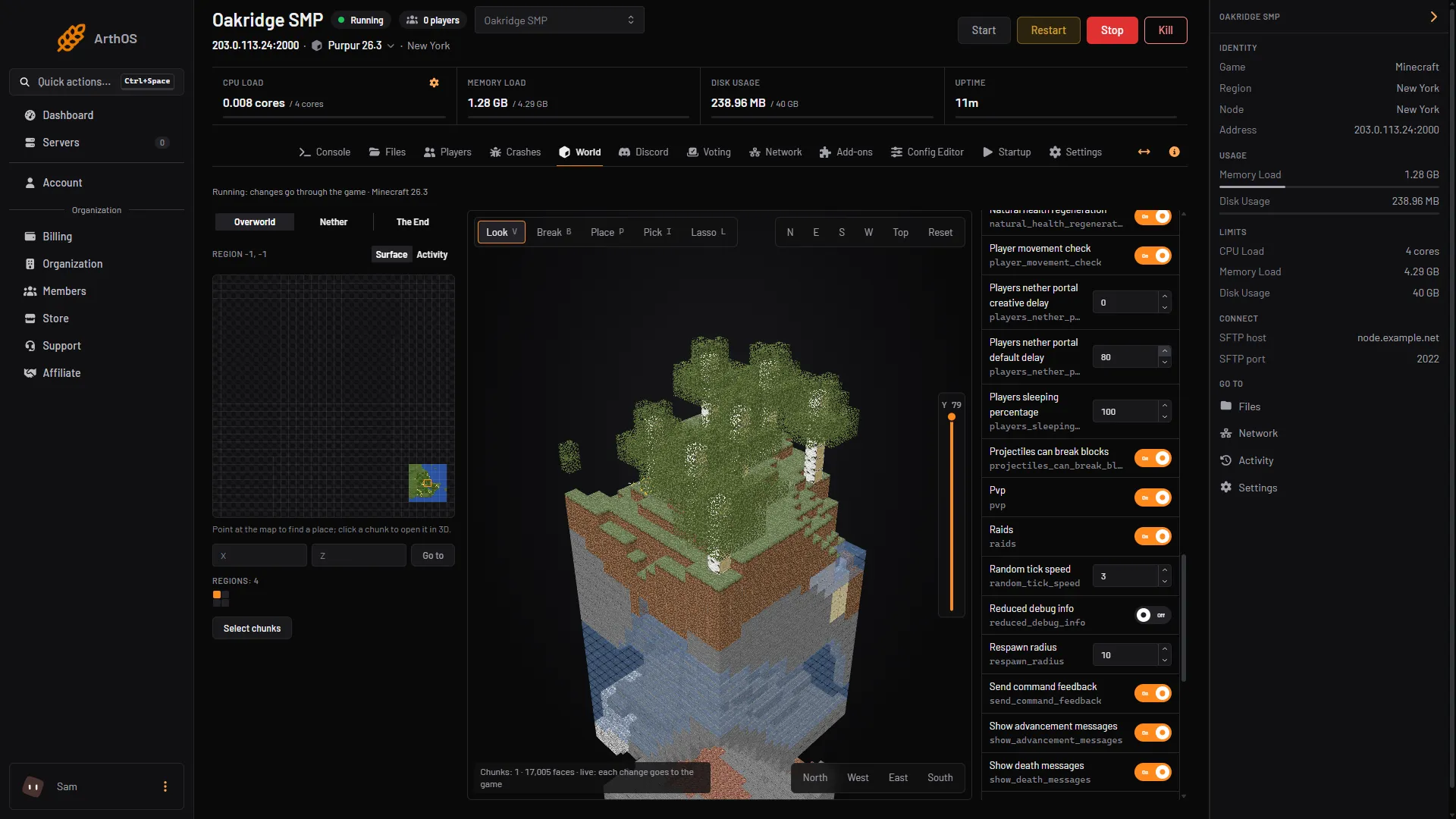
Minecraft gamerule pvp false: turn PvP off on a server
Type gamerule pvp false in the Console to turn PvP off, and gamerule pvp true to turn it on. It is a game rule now, not a server.properties line. -
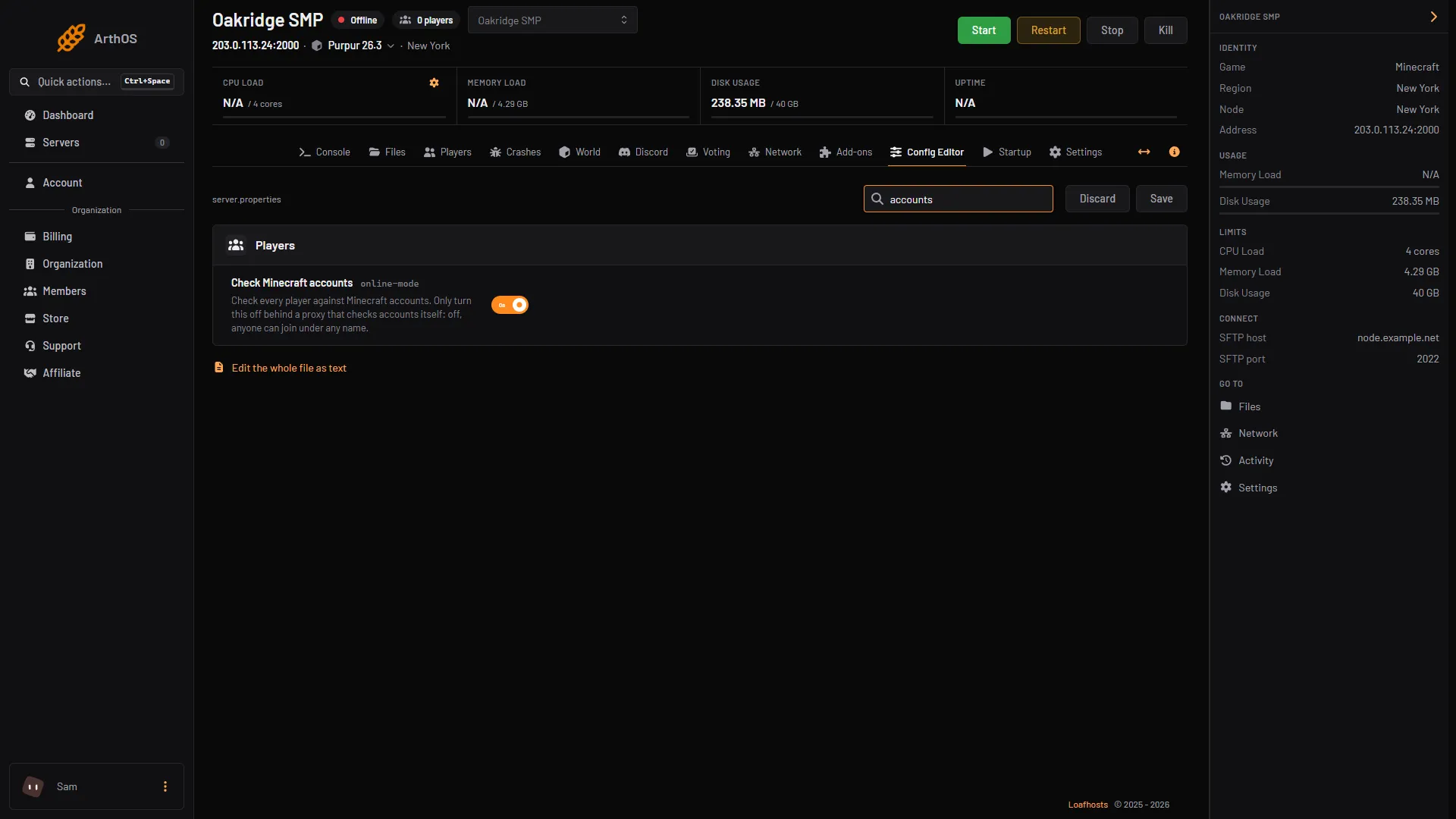
Minecraft online-mode: keep it on, and when to turn it off
Online mode checks every player against Minecraft accounts. Keep it on, unless a proxy such as Velocity does the check. Why, and how to find the setting. -
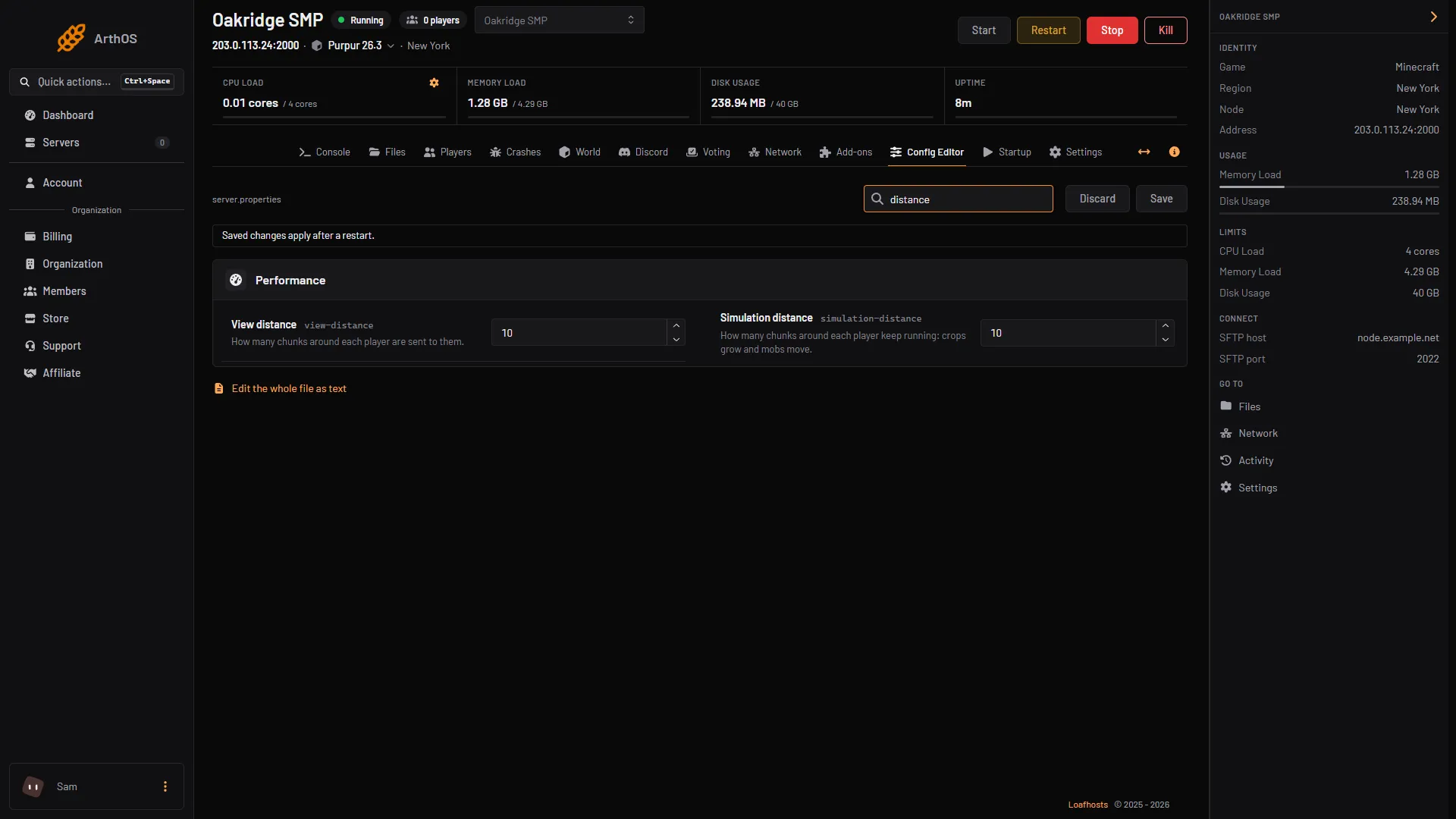
Minecraft view distance and simulation distance
Both default to 10 chunks. Change them in the Config Editor, Performance group, then restart. Lower them to cut lag; simulation distance costs more. -
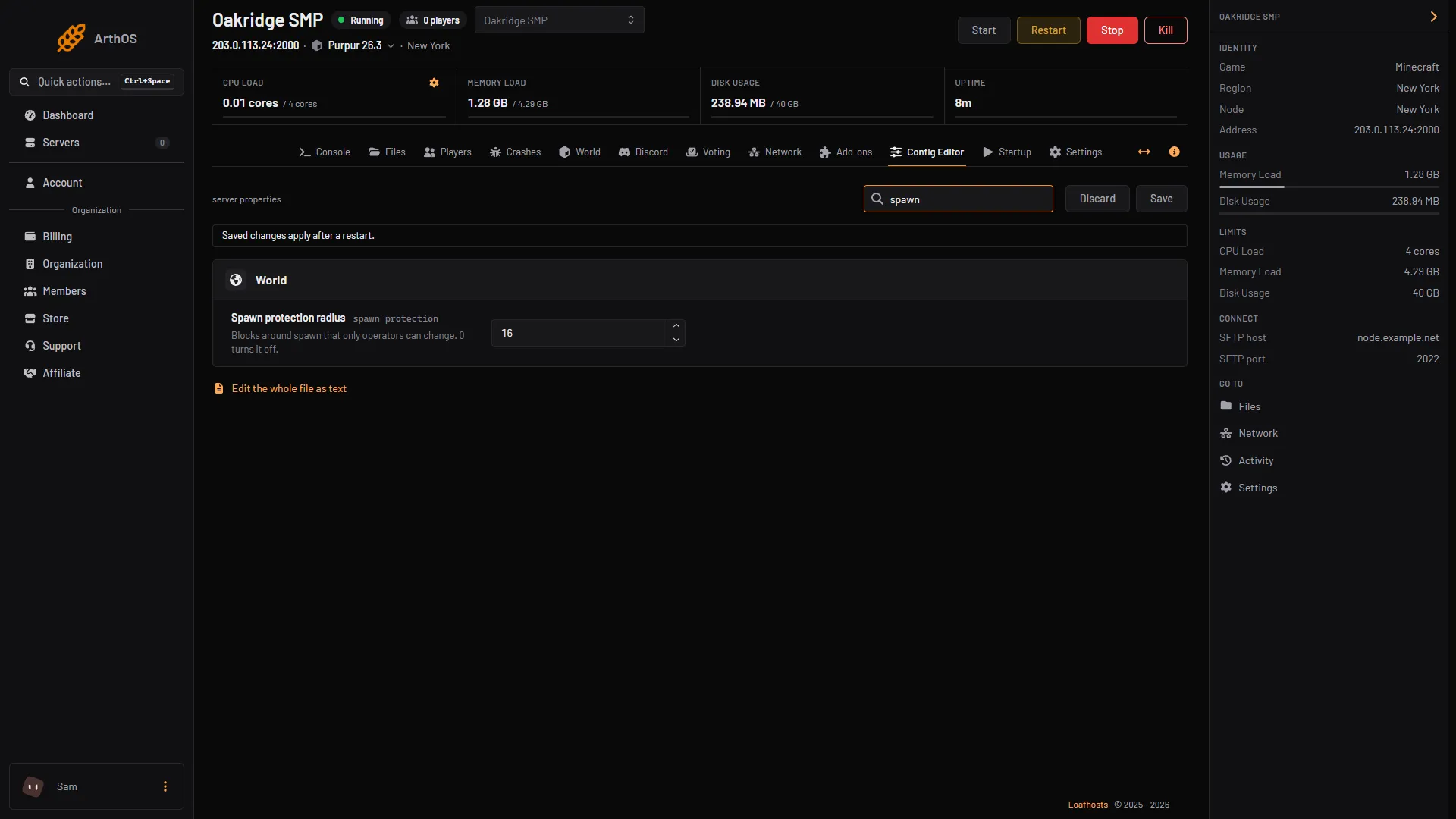
Turn off spawn protection in Minecraft
Set Spawn protection radius to 0 in the Config Editor, save and restart. The default is 16. Operators are not affected. Also how to raise it. -
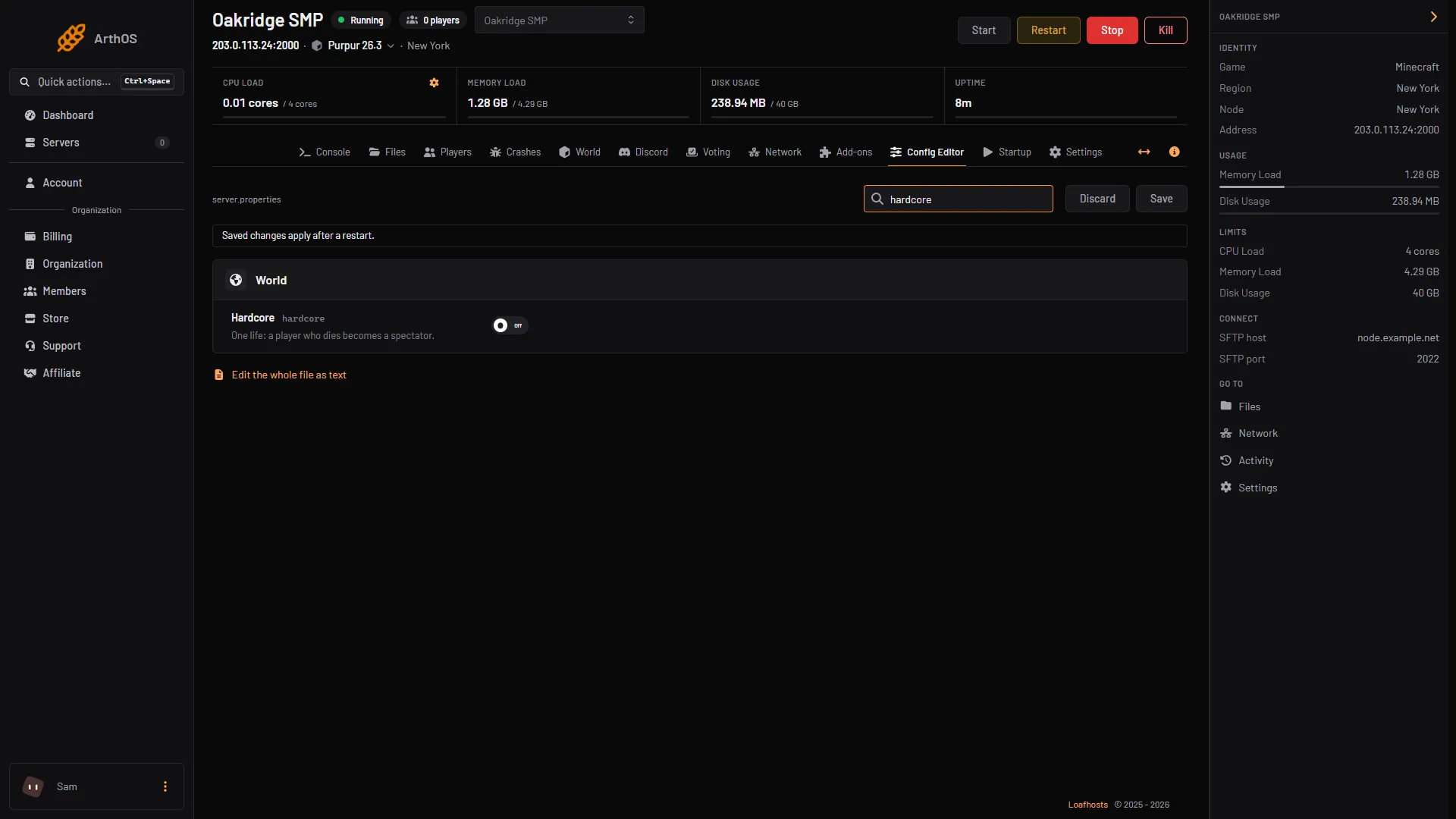
Turn on hardcore mode on a Minecraft server
Hardcore means one life: a player who dies becomes a spectator. Switch Hardcore on in the Config Editor before the world is made, or reset the world. -
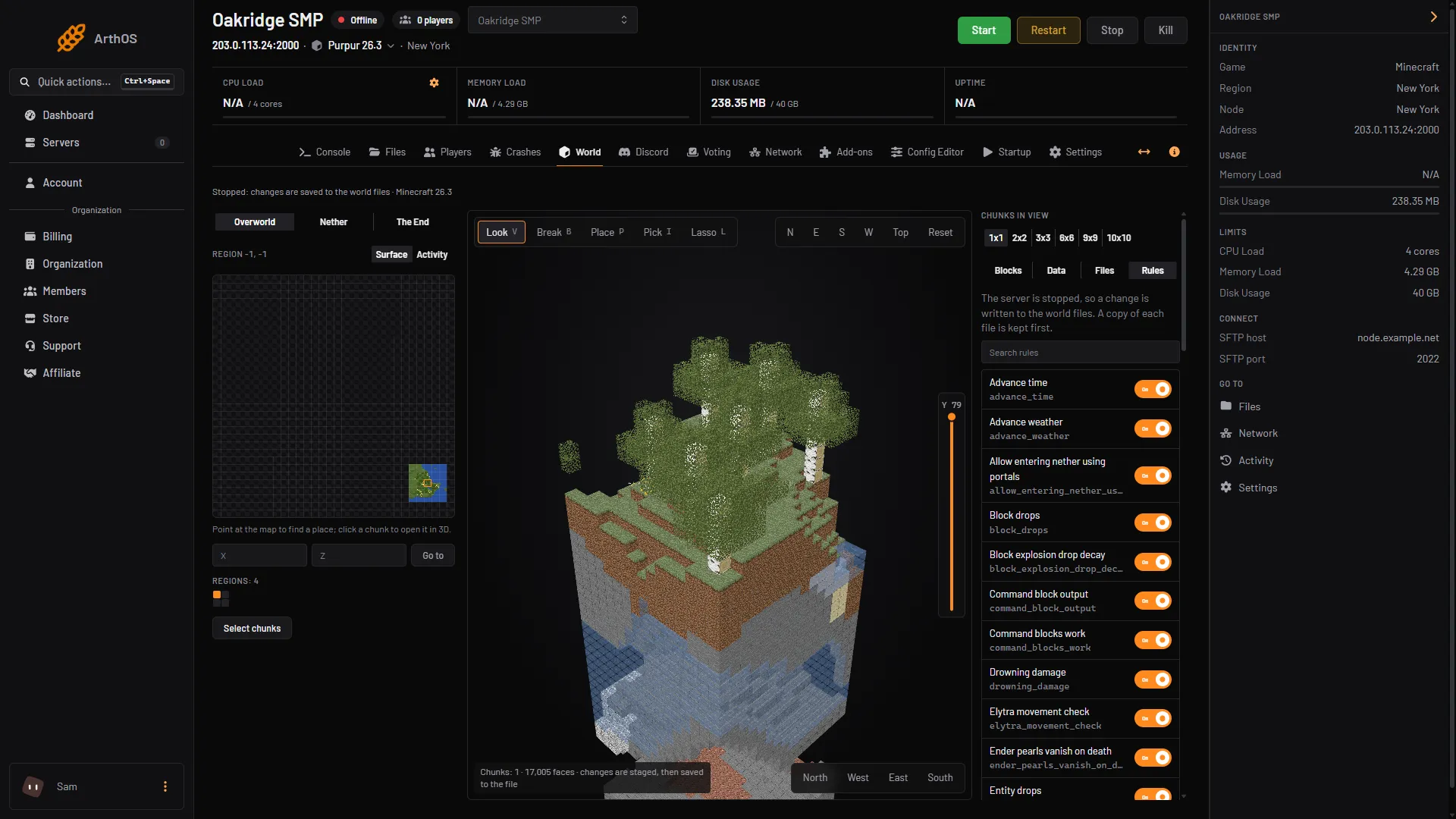
Use command blocks on a Minecraft server
Get a command block with /give and place it as an operator in Creative mode. On 26.3 the on and off switch is a game rule, not a server.properties line.
Players and permissions
18 guides- Players and permissions
Change, move or add items in a player's inventory
Click an item on a player's page to rename it, change enchantments, lore or wear, move it, remove it, or put a new item in an empty slot, online or offline. - Players and permissions
How to op and deop a player in Minecraft (remove op)
Type op and a player's name in the console to make them an operator, deop to remove it. Levels 1 to 4 decide what they can do. Includes ArthOS panel steps. - Players and permissions
How to see who is online on a Minecraft server
Type list in the server console, or /list in game chat, to see who is online. In the ArthOS panel the header and the Players page show the count and names. - Players and permissions
How to unban someone in Minecraft (pardon command)
Type pardon and the player's name in the server console, or pardon-ip and the address. In the ArthOS panel, open the Banned chip on the Players page. - Players and permissions
Install LuckPerms and set up ranks on Minecraft
Install LuckPerms from Add-ons, make groups with lp creategroup, give them permissions and add players. Includes the web editor and ArthOS panel steps. - Players and permissions
Kick or ban a player on a Minecraft server: Players tab
Open Players, click the player and choose Kick or Ban, or type kick Alex or ban Alex griefing. A kick lets them rejoin; a ban lasts until pardoned or it ends. - Players and permissions
Message everyone and set the time and weather
Players tab, Everyone: send chat, a big title or an action bar message to all players, set day or night, clear or rain, and save the world. - Players and permissions
See a Minecraft player's statistics and play time
Open a player's page, choose Statistics, and read kills, blocks mined, distance and time played. Search the full list of what the game counts for that player. - Players and permissions
See a player's inventory and ender chest in the panel
Open a player's page on the Players tab to see what they carry and keep in their ender chest, live if they are online, from the last save if not. - Players and permissions
See when players are on your Minecraft server, by hour
The Players tab, Activity, charts the most players online each hour for 1, 7 or 30 days, so you can pick the best time for restarts and events. - Players and permissions
Set a Minecraft player's health, food and level
Press or drag along the hearts and food on a player's page, or press the level and type one. It works offline too. Heal and Feed are on the In the game tab. - Players and permissions
Set up the whitelist on your Minecraft server
Open the Players tab, keep the Whitelist switch on, type a name and choose Add to whitelist. Commands for the console are under By hand. - Players and permissions
Give items in Minecraft: the give command
Type give Alex minecraft:diamond 5 in the console. In the ArthOS panel use Give on the player's In the game tab. Item components on 26.x covered. - Players and permissions
How to find a player UUID on a Minecraft server
In the ArthOS panel, open Players and click a name: the UUID is under it and one click copies it. It is also in usercache.json in the main folder. - Players and permissions
How to mute someone in Minecraft on a server
Vanilla Minecraft and the ArthOS panel have no mute. Install a moderation plugin, or a player can hide another player's chat for themselves. - Players and permissions
How to teleport a player on a Minecraft server
Run tp with two player names, or a name and x y z, in the Console. In the ArthOS panel use the Teleport boxes on the player's In the game tab. - Players and permissions
Reset player data on a Minecraft server
Stop the server, open the player, choose More, then Reset player data. Inventory, position, stats and advancements start again at their next join. - Players and permissions
See which advancements a Minecraft player has made
Open a player's page and choose Advancements to see what they have done and when, what is left, and the biomes or items still missing for the long ones.
Worlds
13 guides-
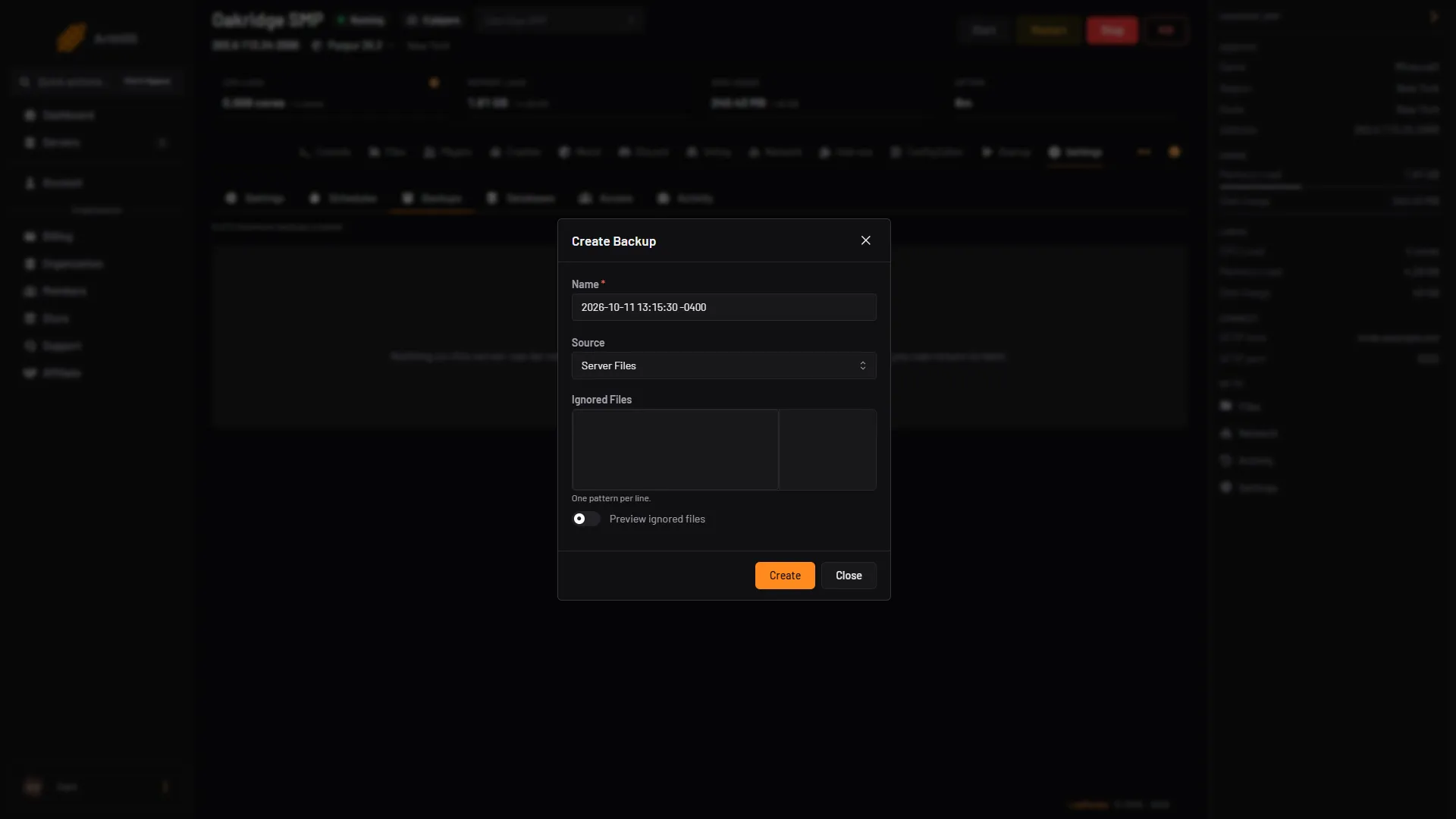
Back up and restore a Minecraft server
Make a backup in Settings, run one every day with a schedule, lock the one you must keep, and restore it. By hand, use save-off, save-all flush, then save-on. - Worlds
How to add a datapack to a Minecraft server
Install it from Add-ons, Data packs, or put it in the datapacks folder of your world, then restart. Check with /datapack list. Java servers only. - Worlds
Put a singleplayer world on your Minecraft server
Zip your singleplayer world, upload it in Files, extract it and set World folder to its name. The server must run the same Minecraft version or newer. - Worlds
See your Minecraft world on a map in the panel
The World tab has a 2D map that needs no plugin and no extra port. It shows your explored world and marks even when stopped; players show while it runs. - Worlds
Share a public map of your Minecraft world
Turn on the public map on the World tab and send people a link. No account is needed. You choose who shows, how late, and which dimensions. - Worlds
Upload or download a Minecraft world
Zip your world, upload it in Files, extract it and point World folder at it. To download, select the world folder and choose Download as .zip. - Worlds
Fix a corrupted chunk on a Minecraft server
A damaged chunk can crash a server or fail to load. Find it in the Crashes tab, delete it in the World tab with the server stopped, or restore a backup. - Worlds
How to use Chunky to pregenerate Minecraft chunks
Run chunky radius 2000, then chunky start in the console; chunky pause stops it. Covers installing Chunky, the commands and the border. - Worlds
Minecraft world border command: worldborder set
Type worldborder set 4000 in the console to keep players within 2,000 blocks of the centre. Also covers centre, damage, warning and the size cap. - Worlds
Reset the world on your Minecraft server
Stop the server, back it up, then give World folder a new name or delete the world folder. The next start builds a fresh world from your seed. - Worlds
Switch between worlds on a Minecraft server
Keep several worlds on one server and load one at a time. Change World folder in the Config Editor and restart. A new name makes a new world. - Worlds
Turn the Nether or the End back on, or reset it
On Minecraft 26.3 the Nether is switched by a game rule, not allow-nether. Turn it on, or reset only the Nether or End by deleting its folder. - Worlds
View and edit your Minecraft world in the World tab
Open the World tab for a region map, a 3D chunk view, live players and block editing. Back up first, and stop the server for file edits.
Plugins
21 guides- Plugins
EssentialsX on Minecraft 26.3: no build yet, what to do
EssentialsX has no 26.3 build as of 8 November 2026. Its 26.1.2 build may still work but can cause bugs or lag. How to install it safely and set up homes. - Plugins
Geyser and Floodgate: setup, the dot in names, fixes
Bedrock names start with a dot because of the Floodgate username-prefix setting. Also the key settings, account linking, slow skins and join fixes. - Plugins
How to protect spawn in Minecraft with WorldGuard
Select spawn with the WorldEdit wand and run /rg define spawn: only owners and members can build there. Then add pvp and mob-spawning flags. - Plugins
Install plugins on your Minecraft server
Plugins need Paper or Purpur. Install one from the Add-ons page in a few clicks, or upload the jar by hand, then restart the server to load it. - Plugins
Install WorldEdit on a Minecraft server
Install the Bukkit build of WorldEdit on Paper or Purpur, become an operator, then pick two corners with the wand and use //set, //copy, //paste and //undo. - Plugins
Link Minecraft chat to Discord with DiscordSRV
Install DiscordSRV, make a Discord bot, paste its token and a channel ID into plugins/DiscordSRV/config.yml and restart. Chat then flows both ways. - Plugins
Roll back griefing with CoreProtect (no 26.3 build yet)
CoreProtect has no 26.3 build yet. Its 26.2 build may still work but can cause bugs or lag. How to install it safely, then look up and roll back griefing. - Plugins
Which Minecraft plugins work on 26.3: what is ready
Which plugins have a build for Minecraft 26.3 and which only have 26.2 or older, with their newest versions. CoreProtect and EssentialsX are not ready yet. - Plugins
Add more worlds with Multiverse-Core
Multiverse-Core adds extra worlds to a Paper or Purpur server. Create or import a world, teleport between worlds, and what it means for backups. - Plugins
Best Minecraft plugins for your server
The plugins most Minecraft servers run, grouped by job: permissions, protection, world editing, logging, chat, crossplay, maps and economy. - Plugins
BlueMap or Dynmap: a live web map of your world
BlueMap and Dynmap show your Minecraft world in a web browser. Which one fits Minecraft 26.3, the extra web port they need, and how to set it up. - Plugins
Check that a Minecraft plugin is safe
The ArthOS panel checks every plugin it installs for hidden code and can scan all your plugin files. How to read the result and put back a clean copy. - Plugins
Citizens plugin for Minecraft: create and set up NPCs
Make an NPC with /npc create and pick it with /npc select. Skins, paths, click commands, permissions and where to get Citizens for 26.3. - Plugins
Jobs Reborn: let players earn money from jobs
Jobs Reborn pays players money for mining, farming, fishing and more. What it needs (Vault, an economy plugin, CMILib), how to join a job, first settings. - Plugins
mcMMO on your Minecraft server: skills and commands
mcMMO adds RPG skills such as mining and swords that level up as players use them. Its price and versions, the main commands, and the XP settings to change. - Plugins
Protect builds with GriefPrevention claims
GriefPrevention lets players claim land with a golden shovel. How claim blocks work, how to share a claim with trust commands, and how admins manage claims. - Plugins
Set up ChestShop player shops on Minecraft
ChestShop turns a sign on a chest into a shop. Install it from SpigotMC, write the sign, make admin shops and add Vault and an economy plugin. - Plugins
Set up server list voting with VotifierPlus
Use the Voting tab to install VotifierPlus, copy the address and token vote sites ask for, send a test vote, and add VotingPlugin for rewards. - Plugins
Set up TAB: tab list header, footer and prefixes
TAB changes the player list that opens with the Tab key: a header and footer, rank prefixes from LuckPerms, and the config files. Install it and set it up. - Plugins
Vault plugin for Minecraft 26.3: do you need it?
Vault is a bridge that lets economy, permission and chat plugins work together. It does nothing on its own. Which plugins ask for it, and how to install it. - Plugins
ViaVersion: let newer Minecraft clients join your server
ViaVersion lets players on a newer Minecraft version join an older server. What ViaBackwards and ViaRewind add, what none of them can do, and how to install.
Mods and modpacks
10 guides- Mods and modpacks
Install a mod on your Minecraft server
Mods need a Fabric, Forge or NeoForge server on the same Minecraft version. Install one from the Add-ons page or upload the jar, then restart. -
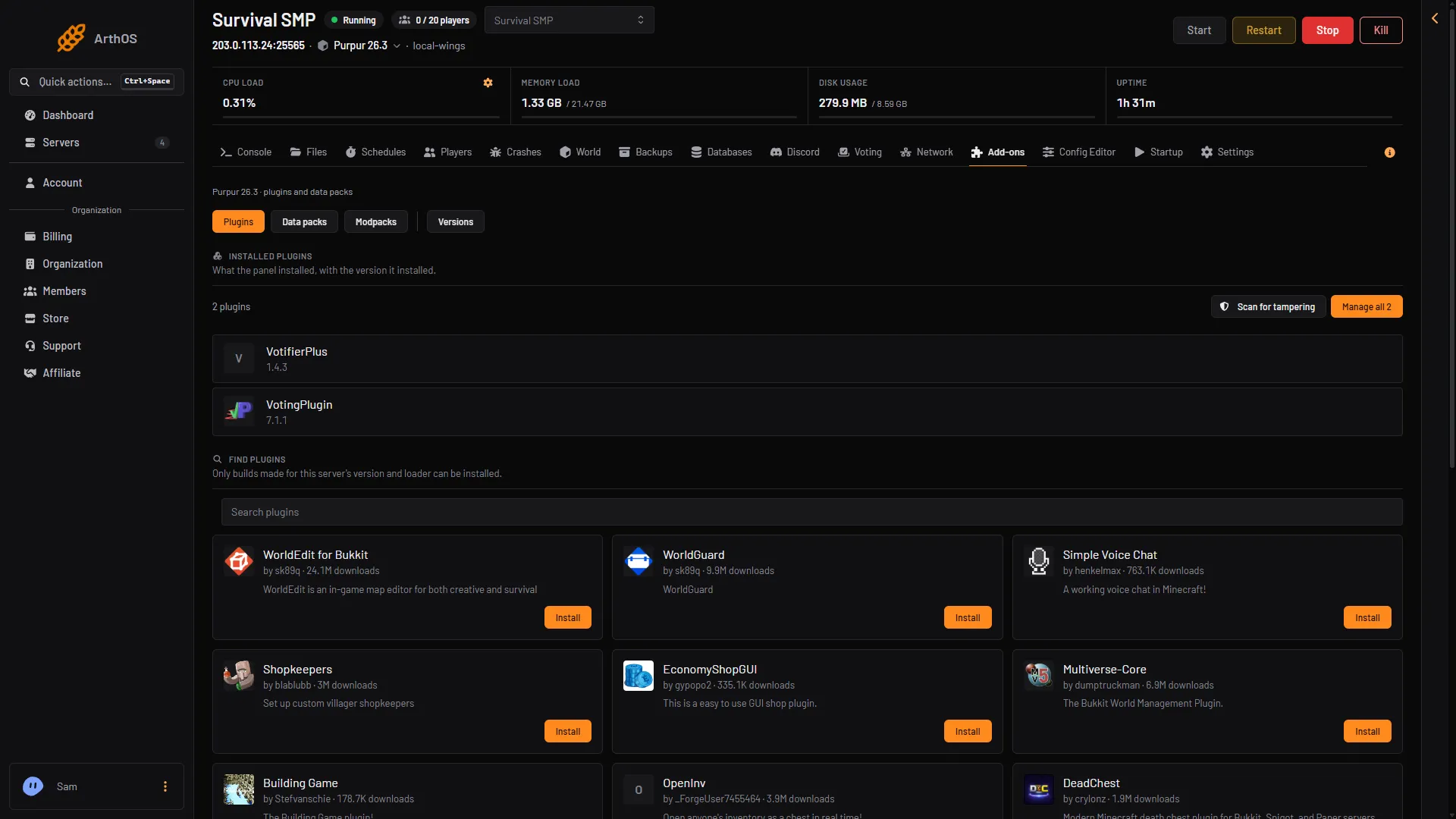
Install a modpack on your Minecraft server
Pick a modpack when you order, or later from Add-ons. The panel installs the loader, Minecraft version and Java it needs, and checks every file. - Mods and modpacks
Add the Create mod to your Minecraft server
Create is a mod, not a modpack. It runs on Forge or NeoForge, and players need it too. Install it from Add-ons, then Mods, or pick a pack built on Create. - Mods and modpacks
Minecraft plugins vs mods vs data packs: the difference
A plugin runs only on the server, so players install nothing. A mod usually needs players to install it too. A data pack is a third kind of file. - Mods and modpacks
Run a Pixelmon server on Minecraft 1.21.1
Pixelmon adds Pokémon to Minecraft. The newest build is for 1.21.1 on NeoForge. Install the official modpack from Add-ons, Modpacks, and match your players. - Mods and modpacks
Run a Vault Hunters server (1.18.2, Forge)
Vault Hunters Third Edition is a Forge modpack for Minecraft 1.18.2. Install it from Add-ons, then Modpacks, and make sure players use the same version. - Mods and modpacks
Run All the Mods 10 on your Minecraft server
All the Mods 10 runs on NeoForge for Minecraft 1.21.1. Install it from Add-ons, Modpacks, start a new world, and have players install the same version. - Mods and modpacks
Run an RLCraft server on Minecraft 1.12.2
RLCraft is a Forge modpack for Minecraft 1.12.2. Install it from Add-ons, then Modpacks, give it plenty of memory, and have players use the same version. - Mods and modpacks
Run Better MC (BMC) on your Minecraft server
Better MC comes in editions for different Minecraft versions and loaders. Pick one, install it from Add-ons, Modpacks, and have players use the same edition. - Mods and modpacks
Update a modpack on your Minecraft server
Update an installed modpack from Add-ons, Modpacks. The panel backs up first, keeps your world and settings, and players must install the same pack version.
Fixes
9 guides- Fixes
Find out why your Minecraft server crashed
Open the Crashes tab, pick the newest crash report or log and read the detected cause. Then fix the plugin, the memory, the Java version or the world. - Fixes
Fix Minecraft server lag and check TPS
Check TPS and MSPT with spark, then lower view and simulation distance, tame entities and farms, pregenerate chunks and watch memory. - Fixes
Minecraft difficulty resets after every restart
A server loads its difficulty from server.properties at each start, so the /difficulty command is lost on restart. Set it in the file, then check plugins. - Fixes
Minecraft server will not connect: fix every message
Connection timed out, Connection refused, invalid session, not whitelisted, Outdated client. What each message means and how to fix it. - Fixes
Restore a deleted Minecraft world or plugin file
Deleted a world folder or a plugin file in Files? It sits in the Trash for 3 days. Open Trash, choose Restore, and it goes back where it was. -
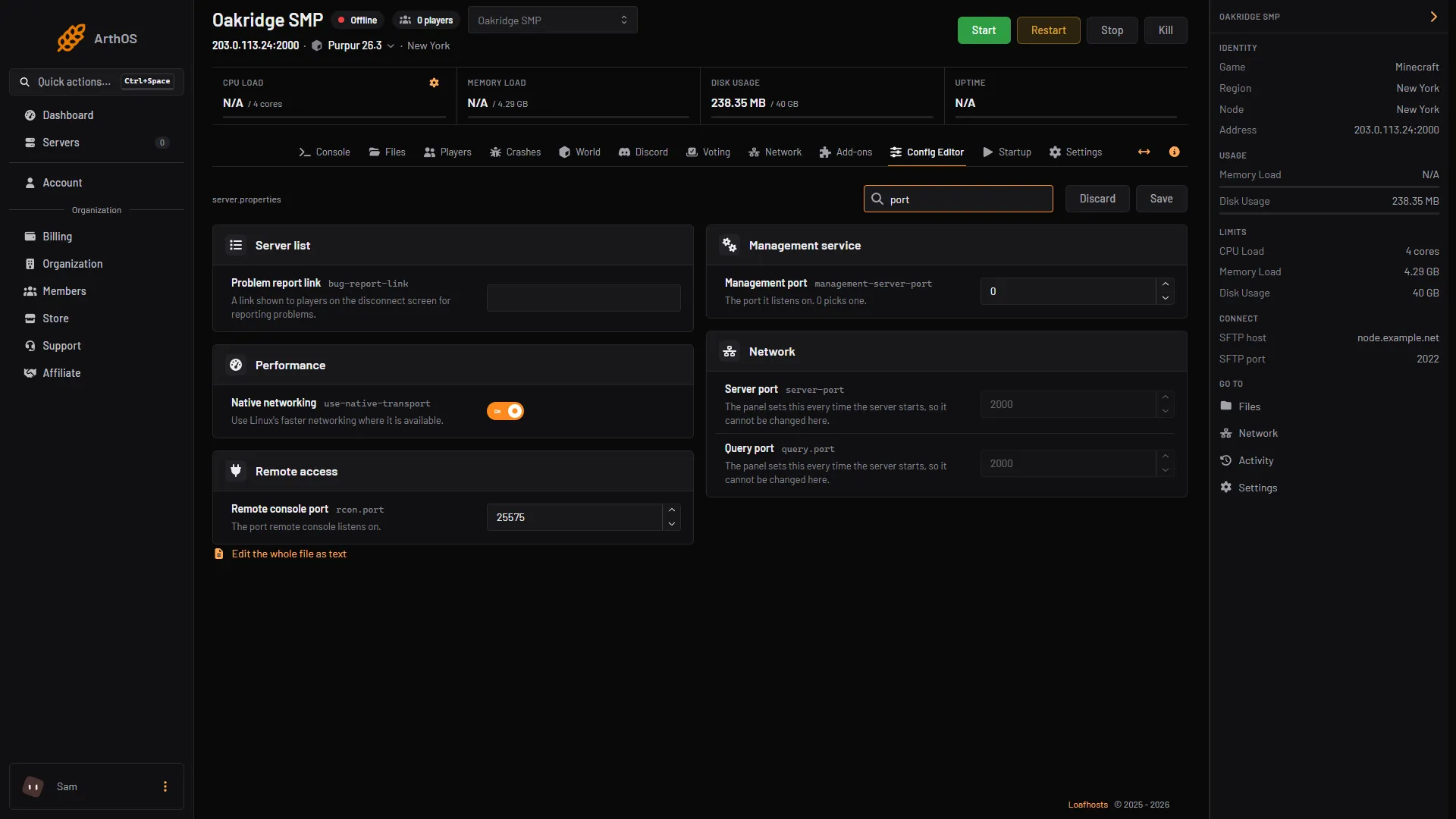
Fix "Failed to bind to port" on a Minecraft server
The error "FAILED TO BIND TO PORT" means something else holds the server's port. What the ArthOS panel sets for you, how to find the clash, and how to fix it. - Fixes
Fix a Minecraft plugin that will not load
A plugin red or missing in the list? Check the loader, the Minecraft version, missing dependencies, duplicate jars and a broken plugin.yml, one by one. - Fixes
Fix Outdated client and Outdated server in Minecraft
Outdated client means the server is newer than your game. Outdated server means your game is newer. Match the versions, or add ViaVersion for newer clients. - Fixes
Minecraft out of memory: how to fix it
Lower view and simulation distance, remove heavy plugins, or move to a plan with more memory. The Crashes tab shows whether memory caused the crash.
- Back up and restore a Minecraft server Make a backup in Settings, run one every day with a schedule, lock the one you must keep, and restore it. By hand, use save-off, save-all flush, then save-on.
- Change the default game mode on a Minecraft server Set Default game mode in the Config Editor, turn on Force the game mode, or use /gamemode for one player. Hardcore is a separate setting.
- Change the max players on a Minecraft server Open the Config Editor, change Maximum players in the Players group, save and restart. A new server starts at its plan's count. What the number costs.
- Change your Minecraft server version or software Switch a server to another Minecraft version or to Paper, Purpur, Fabric, Forge, NeoForge or Vanilla. The panel backs up first and warns about older worlds.
- Change, move or add items in a player's inventory Click an item on a player's page to rename it, change enchantments, lore or wear, move it, remove it, or put a new item in an empty slot, online or offline.
- Connect to a Minecraft server on Java and Bedrock Copy the address and port from the server header, then add it in Multiplayer on Java or in Play, Servers on Bedrock. Use the same version as the server.
- Edit server.properties on your Minecraft server The Config Editor shows every server.properties setting as a labelled field. Change one, save, restart. Here are the settings people change most.
- EssentialsX on Minecraft 26.3: no build yet, what to do EssentialsX has no 26.3 build as of 8 November 2026. Its 26.1.2 build may still work but can cause bugs or lag. How to install it safely and set up homes.
- Find out why your Minecraft server crashed Open the Crashes tab, pick the newest crash report or log and read the detected cause. Then fix the plugin, the memory, the Java version or the world.
- Fix Minecraft server lag and check TPS Check TPS and MSPT with spark, then lower view and simulation distance, tame entities and farms, pregenerate chunks and watch memory.
- Geyser and Floodgate: setup, the dot in names, fixes Bedrock names start with a dot because of the Floodgate username-prefix setting. Also the key settings, account linking, slow skins and join fixes.
- How to add a datapack to a Minecraft server Install it from Add-ons, Data packs, or put it in the datapacks folder of your world, then restart. Check with /datapack list. Java servers only.
- How to change difficulty on a Minecraft server Set Difficulty in the Config Editor and restart, or type difficulty hard in the Console to change it now. A command alone is lost at restart.
- How to op and deop a player in Minecraft (remove op) Type op and a player's name in the console to make them an operator, deop to remove it. Levels 1 to 4 decide what they can do. Includes ArthOS panel steps.
- How to protect spawn in Minecraft with WorldGuard Select spawn with the WorldEdit wand and run /rg define spawn: only owners and members can build there. Then add pvp and mob-spawning flags.
- How to see who is online on a Minecraft server Type list in the server console, or /list in game chat, to see who is online. In the ArthOS panel the header and the Players page show the count and names.
- How to unban someone in Minecraft (pardon command) Type pardon and the player's name in the server console, or pardon-ip and the address. In the ArthOS panel, open the Banned chip on the Players page.
- Install a mod on your Minecraft server Mods need a Fabric, Forge or NeoForge server on the same Minecraft version. Install one from the Add-ons page or upload the jar, then restart.
- Install a modpack on your Minecraft server Pick a modpack when you order, or later from Add-ons. The panel installs the loader, Minecraft version and Java it needs, and checks every file.
- Install LuckPerms and set up ranks on Minecraft Install LuckPerms from Add-ons, make groups with lp creategroup, give them permissions and add players. Includes the web editor and ArthOS panel steps.
- Install plugins on your Minecraft server Plugins need Paper or Purpur. Install one from the Add-ons page in a few clicks, or upload the jar by hand, then restart the server to load it.
- Install WorldEdit on a Minecraft server Install the Bukkit build of WorldEdit on Paper or Purpur, become an operator, then pick two corners with the wand and use //set, //copy, //paste and //undo.
- Kick or ban a player on a Minecraft server: Players tab Open Players, click the player and choose Kick or Ban, or type kick Alex or ban Alex griefing. A kick lets them rejoin; a ban lasts until pardoned or it ends.
- Let Bedrock players join a Java Minecraft server Add Geyser and Floodgate so Bedrock players on phones, tablets and Windows join your Java server on the same address. One switch in the panel.
- Link Minecraft chat to Discord with DiscordSRV Install DiscordSRV, make a Discord bot, paste its token and a channel ID into plugins/DiscordSRV/config.yml and restart. Chat then flows both ways.
- Message everyone and set the time and weather Players tab, Everyone: send chat, a big title or an action bar message to all players, set day or night, clear or rain, and save the world.
- Minecraft difficulty resets after every restart A server loads its difficulty from server.properties at each start, so the /difficulty command is lost on restart. Set it in the file, then check plugins.
- Minecraft server will not connect: fix every message Connection timed out, Connection refused, invalid session, not whitelisted, Outdated client. What each message means and how to fix it.
- Move a Minecraft server from another host Copy your whole server from your old host with the Import from another host card in Settings, over SFTP or FTP. Or download a zip and upload it.
- Put a singleplayer world on your Minecraft server Zip your singleplayer world, upload it in Files, extract it and set World folder to its name. The server must run the same Minecraft version or newer.
- Restore a deleted Minecraft world or plugin file Deleted a world folder or a plugin file in Files? It sits in the Trash for 3 days. Open Trash, choose Restore, and it goes back where it was.
- Roll back griefing with CoreProtect (no 26.3 build yet) CoreProtect has no 26.3 build yet. Its 26.2 build may still work but can cause bugs or lag. How to install it safely, then look up and roll back griefing.
- See a Minecraft player's statistics and play time Open a player's page, choose Statistics, and read kills, blocks mined, distance and time played. Search the full list of what the game counts for that player.
- See a player's inventory and ender chest in the panel Open a player's page on the Players tab to see what they carry and keep in their ender chest, live if they are online, from the last save if not.
- See when players are on your Minecraft server, by hour The Players tab, Activity, charts the most players online each hour for 1, 7 or 30 days, so you can pick the best time for restarts and events.
- See your Minecraft world on a map in the panel The World tab has a 2D map that needs no plugin and no extra port. It shows your explored world and marks even when stopped; players show while it runs.
- Set a Minecraft player's health, food and level Press or drag along the hearts and food on a player's page, or press the level and type one. It works offline too. Heal and Feed are on the In the game tab.
- Set a Minecraft server MOTD with colours and two lines The MOTD is the text under your server name in the multiplayer list. Set it in the Config Editor with colour buttons and a preview, or in server.properties.
- Set the seed and world type on a Minecraft server World seed and World type only apply when a world is created. Set them in the Config Editor, then start a new world. Find your current seed with /seed.
- Set up a Minecraft server from scratch Order a Minecraft server, pick Java, Bedrock or both, accept the EULA, start it and give players the address. Panel steps first, the file edits by hand after.
- Set up the whitelist on your Minecraft server Open the Players tab, keep the Whitelist switch on, type a name and choose Add to whitelist. Commands for the console are under By hand.
- Share a public map of your Minecraft world Turn on the public map on the World tab and send people a link. No account is needed. You choose who shows, how late, and which dimensions.
- Upload or download a Minecraft world Zip your world, upload it in Files, extract it and point World folder at it. To download, select the world folder and choose Download as .zip.
- Which Minecraft plugins work on 26.3: what is ready Which plugins have a build for Minecraft 26.3 and which only have 26.2 or older, with their newest versions. CoreProtect and EssentialsX are not ready yet.
- Why your Minecraft server stopped by itself: standby A Minecraft server nobody plays on stops after 10 days by default. That is standby, not a crash. Start it again with Start or its wake link.
- Accept the Minecraft EULA on your server A new Minecraft server stops until eula.txt says eula=true. Press Accept EULA in the Console, or change the line yourself in Files. Both steps here.
- Add a resource pack to your Minecraft server Put a direct download link in Resource pack link, add the checksum, and choose whether players must accept it. Config Editor steps and server.properties keys.
- Add more worlds with Multiverse-Core Multiverse-Core adds extra worlds to a Paper or Purpur server. Create or import a world, teleport between worlds, and what it means for backups.
- Add the Create mod to your Minecraft server Create is a mod, not a modpack. It runs on Forge or NeoForge, and players need it too. Install it from Add-ons, then Mods, or pick a pack built on Create.
- Best Minecraft plugins for your server The plugins most Minecraft servers run, grouped by job: permissions, protection, world editing, logging, chat, crossplay, maps and economy.
- BlueMap or Dynmap: a live web map of your world BlueMap and Dynmap show your Minecraft world in a web browser. Which one fits Minecraft 26.3, the extra web port they need, and how to set it up.
- Check that a Minecraft plugin is safe The ArthOS panel checks every plugin it installs for hidden code and can scan all your plugin files. How to read the result and put back a clean copy.
- Citizens plugin for Minecraft: create and set up NPCs Make an NPC with /npc create and pick it with /npc select. Skins, paths, click commands, permissions and where to get Citizens for 26.3.
- Fix "Failed to bind to port" on a Minecraft server The error "FAILED TO BIND TO PORT" means something else holds the server's port. What the ArthOS panel sets for you, how to find the clash, and how to fix it.
- Fix a corrupted chunk on a Minecraft server A damaged chunk can crash a server or fail to load. Find it in the Crashes tab, delete it in the World tab with the server stopped, or restore a backup.
- Fix a Minecraft plugin that will not load A plugin red or missing in the list? Check the loader, the Minecraft version, missing dependencies, duplicate jars and a broken plugin.yml, one by one.
- Fix Outdated client and Outdated server in Minecraft Outdated client means the server is newer than your game. Outdated server means your game is newer. Match the versions, or add ViaVersion for newer clients.
- Flying is not enabled on this server: Minecraft fix Switch on Allow flight in the Config Editor, save and restart. It only stops the kick; flight must come from a mod or plugin. When to leave it off.
- Give items in Minecraft: the give command Type give Alex minecraft:diamond 5 in the console. In the ArthOS panel use Give on the player's In the game tab. Item components on 26.x covered.
- How to find a player UUID on a Minecraft server In the ArthOS panel, open Players and click a name: the UUID is under it and one click copies it. It is also in usercache.json in the main folder.
- How to mute someone in Minecraft on a server Vanilla Minecraft and the ArthOS panel have no mute. Install a moderation plugin, or a player can hide another player's chat for themselves.
- How to read your Minecraft server console Read the Console tab and logs/latest.log. What INFO, WARN and ERROR mean, how to filter and search, and how to find where an error starts.
- How to stop a Minecraft server without losing progress Press Stop, or type stop in the Console: the server saves, then shuts down. Kill saves nothing. Also covers Restart and the save-all command.
- How to teleport a player on a Minecraft server Run tp with two player names, or a name and x y z, in the Console. In the ArthOS panel use the Teleport boxes on the player's In the game tab.
- How to use Chunky to pregenerate Minecraft chunks Run chunky radius 2000, then chunky start in the console; chunky pause stops it. Covers installing Chunky, the commands and the border.
- Jobs Reborn: let players earn money from jobs Jobs Reborn pays players money for mining, farming, fishing and more. What it needs (Vault, an economy plugin, CMILib), how to join a job, first settings.
- Kick idle players from a Minecraft server Set Idle kick after (minutes) in the Config Editor to kick players who do nothing for that long. 0 never kicks. What counts as being idle, and the message.
- mcMMO on your Minecraft server: skills and commands mcMMO adds RPG skills such as mining and swords that level up as players use them. Its price and versions, the main commands, and the XP settings to change.
- Minecraft color codes and formatting codes Color codes are the section sign plus 0 to 9 or a to f; formatting codes are k, l, m, n, o and r. Hex values, Java and Bedrock, and MOTD use.
- Minecraft gamerule pvp false: turn PvP off on a server Type gamerule pvp false in the Console to turn PvP off, and gamerule pvp true to turn it on. It is a game rule now, not a server.properties line.
- Minecraft Java or Bedrock server: which to order Order Java for plugins, mods and PC players, Bedrock for phones, tablets and Windows Bedrock, or Java + Bedrock to let both join one world.
- Minecraft online-mode: keep it on, and when to turn it off Online mode checks every player against Minecraft accounts. Keep it on, unless a proxy such as Velocity does the check. Why, and how to find the setting.
- Minecraft out of memory: how to fix it Lower view and simulation distance, remove heavy plugins, or move to a plan with more memory. The Crashes tab shows whether memory caused the crash.
- Minecraft plugins vs mods vs data packs: the difference A plugin runs only on the server, so players install nothing. A mod usually needs players to install it too. A data pack is a third kind of file.
- Minecraft server commands owners use most The Java server commands owners use most, the op level each needs, and how to run them from the Console tab or in game chat, with links to how-tos.
- Minecraft view distance and simulation distance Both default to 10 chunks. Change them in the Config Editor, Performance group, then restart. Lower them to cut lag; simulation distance costs more.
- Minecraft world border command: worldborder set Type worldborder set 4000 in the console to keep players within 2,000 blocks of the centre. Also covers centre, damage, warning and the size cap.
- Protect builds with GriefPrevention claims GriefPrevention lets players claim land with a golden shovel. How claim blocks work, how to share a claim with trust commands, and how admins manage claims.
- Reset player data on a Minecraft server Stop the server, open the player, choose More, then Reset player data. Inventory, position, stats and advancements start again at their next join.
- Reset the world on your Minecraft server Stop the server, back it up, then give World folder a new name or delete the world folder. The next start builds a fresh world from your seed.
- Restart your Minecraft server on a schedule Set up a daily Minecraft restart with chat warnings at 5 minutes, 1 minute and 10 seconds, from the Schedules tab in Settings. Or build your own.
- Run a Pixelmon server on Minecraft 1.21.1 Pixelmon adds Pokémon to Minecraft. The newest build is for 1.21.1 on NeoForge. Install the official modpack from Add-ons, Modpacks, and match your players.
- Run a Vault Hunters server (1.18.2, Forge) Vault Hunters Third Edition is a Forge modpack for Minecraft 1.18.2. Install it from Add-ons, then Modpacks, and make sure players use the same version.
- Run All the Mods 10 on your Minecraft server All the Mods 10 runs on NeoForge for Minecraft 1.21.1. Install it from Add-ons, Modpacks, start a new world, and have players install the same version.
- Run an RLCraft server on Minecraft 1.12.2 RLCraft is a Forge modpack for Minecraft 1.12.2. Install it from Add-ons, then Modpacks, give it plenty of memory, and have players use the same version.
- Run Better MC (BMC) on your Minecraft server Better MC comes in editions for different Minecraft versions and loaders. Pick one, install it from Add-ons, Modpacks, and have players use the same edition.
- See which advancements a Minecraft player has made Open a player's page and choose Advancements to see what they have done and when, what is left, and the biomes or items still missing for the long ones.
- Set a Minecraft server icon (64 by 64 PNG) The server icon is a 64 by 64 PNG called server-icon.png in the server's main folder. Upload any picture in the Config Editor and the panel sizes it for you.
- Set up a Minecraft Bedrock server Order a Bedrock Dedicated Server, add players to the allow list, find the port and join from a phone, tablet or Windows. Console limits explained.
- Set up ChestShop player shops on Minecraft ChestShop turns a sign on a chest into a shop. Install it from SpigotMC, write the sign, make admin shops and add Vault and an economy plugin.
- Set up server list voting with VotifierPlus Use the Voting tab to install VotifierPlus, copy the address and token vote sites ask for, send a test vote, and add VotingPlugin for rewards.
- Set up TAB: tab list header, footer and prefixes TAB changes the player list that opens with the Tab key: a header and footer, rank prefixes from LuckPerms, and the config files. Install it and set it up.
- Switch a Minecraft server to Fabric, Forge or NeoForge Open Add-ons, then Versions, pick Fabric, Forge or NeoForge and a version, then press Switch now. Your world stays; plugins stop working.
- Switch between worlds on a Minecraft server Keep several worlds on one server and load one at a time. Change World folder in the Config Editor and restart. A new name makes a new world.
- Switch your Minecraft server to Paper or Purpur Plugins need Paper or Purpur. Open Add-ons, then Versions, pick Paper or Purpur and a version, and press Switch now. Your world stays.
- Turn off spawn protection in Minecraft Set Spawn protection radius to 0 in the Config Editor, save and restart. The default is 16. Operators are not affected. Also how to raise it.
- Turn on hardcore mode on a Minecraft server Hardcore means one life: a player who dies becomes a spectator. Switch Hardcore on in the Config Editor before the world is made, or reset the world.
- Turn the Nether or the End back on, or reset it On Minecraft 26.3 the Nether is switched by a game rule, not allow-nether. Turn it on, or reset only the Nether or End by deleting its folder.
- Update a modpack on your Minecraft server Update an installed modpack from Add-ons, Modpacks. The panel backs up first, keeps your world and settings, and players must install the same pack version.
- Use command blocks on a Minecraft server Get a command block with /give and place it as an operator in Creative mode. On 26.3 the on and off switch is a game rule, not a server.properties line.
- Use your own domain for your Minecraft server Add a domain in Network, then Domains, create the A and SRV records the panel lists at your DNS provider, and players join without a port.
- Vault plugin for Minecraft 26.3: do you need it? Vault is a bridge that lets economy, permission and chat plugins work together. It does nothing on its own. Which plugins ask for it, and how to install it.
- ViaVersion: let newer Minecraft clients join your server ViaVersion lets players on a newer Minecraft version join an older server. What ViaBackwards and ViaRewind add, what none of them can do, and how to install.
- View and edit your Minecraft world in the World tab Open the World tab for a region map, a 3D chunk view, live players and block editing. Back up first, and stop the server for file edits.